
Animation Delay - Wave
Description
This example shows how to use the delay parameter of go.animate() (or gui.animate()) to create a wave effect.
Setup
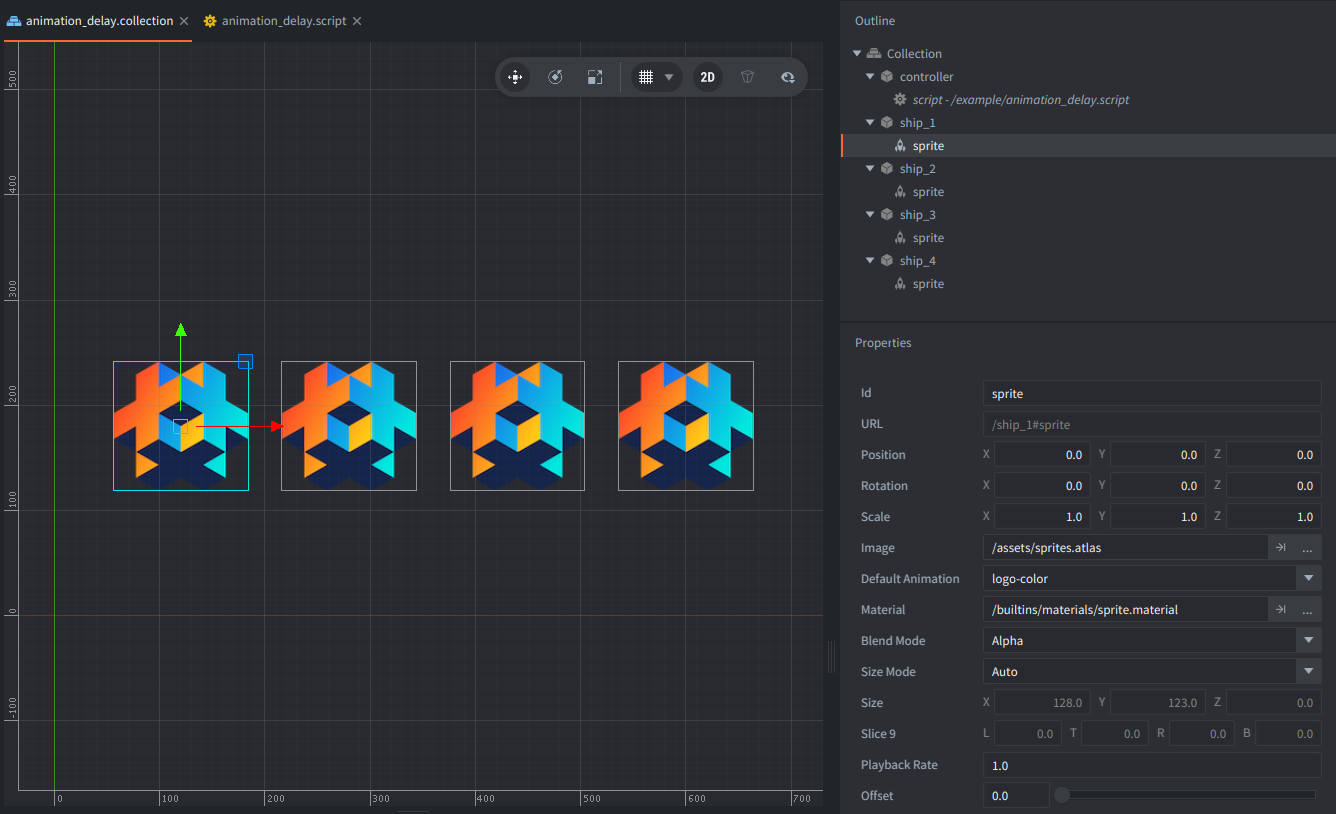
The collection contains four game objects aligned in a row next to each other. The additional controller game object has the script that starts one animation for each sprite.
How It Works
Four game objects start the same position.y ping-pong animation, but each one begins slightly later than the previous sprite. The result is a simple wave that makes the delay argument easy to see.
The script stores the four target URLs in a table and loops over them with ipairs(). Each call to go.animate() uses the same target value, easing, duration, and playback mode.
The only thing that changes per sprite is the argument: delay. Multiplying the sprite index by 0.15 seconds offsets each start time just enough to produce a clear staggered wave.
Scripts
animation_delay.script
local TARGET_URLS = { "/ship_1", "/ship_2", "/ship_3", "/ship_4" } -- <1>
local WAVE_HEIGHT = 420 -- <2>
local STEP_DELAY = 0.15

function init(self)
    for i, url in ipairs(TARGET_URLS) do -- <3>
        go.animate(url, "position.y", go.PLAYBACK_LOOP_PINGPONG, WAVE_HEIGHT, go.EASING_INOUTSINE, 1.2, i * STEP_DELAY) -- <4>
    end
end

--[[
1. The script animates the four game objects with sprites and in table we put the paths for the ships in the same collection.
2. All ships move to the same target peak Y value, and the wave is created by timing.
3. Loop over the four sprite game objects that should be animated.
4. Start the same ping-pong animation on each game object, but set the seventh `go.animate()` argument (`delay`) to `i * 0.15`. That staggered start time creates the wave effect.
]]