Ad Info
2Retrieve an advertising identifier for a device or user. Advertisers use this to id so they can deli...
Contributions
Showing 147 of 147 contributions.
Retrieve an advertising identifier for a device or user. Advertisers use this to id so they can deli...
Monetize your mobile app with innovative and engaging in-app ads.
Android Dynamic Performance Framework (ADPF) is a set of APIs that allow games and to interact more ...
Official debug-only extension for inspecting and controlling a running Defold game from local automa...
Capture images and show a live camera preview using the native camera APIs.
CrazyGames SDK native extension for Defold game engine
Official Defold native extension for FMOD sound engine bindings. FMOD is a proprietary sound effects...
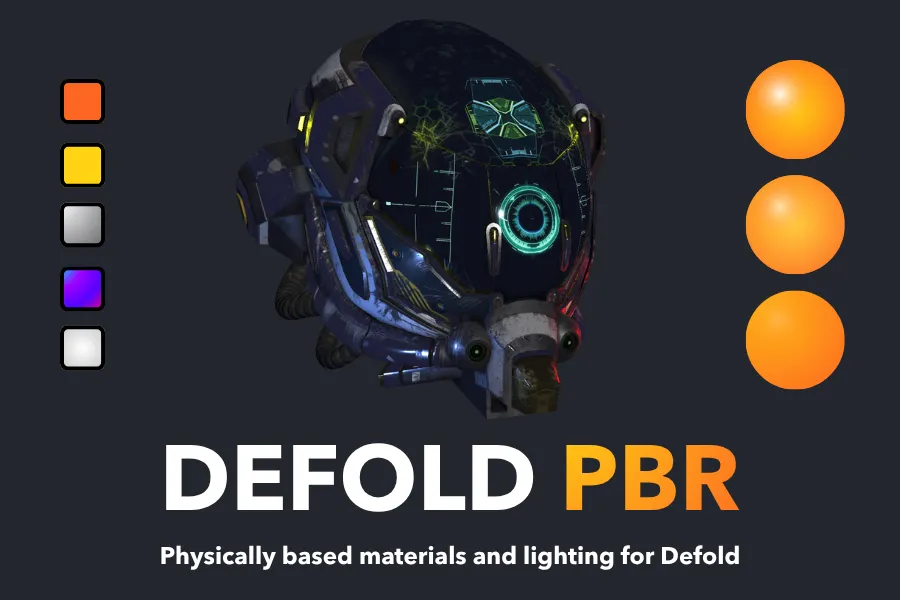
Defold PBR adds physically based rendering materials and shaders for Defold model rendering. PBR sim...
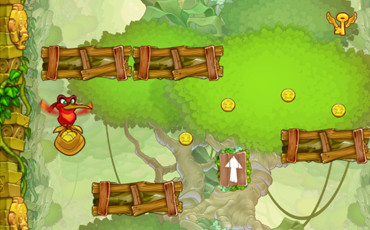
A barebones runner game where the goal is to jump on platforms and collect as many coins as possible.
Reduce a Defold game's power use after periods of inactivity by lowering its frame rate, dimming the...
Track installs and app opens, give people the ability to share content, or support the ability to Lo...
Instant Games let people play games on any device, mobile or desktop, right in the Facebook News Fee...
Firebase Crashlytics extension for reporting native crashes on Android, iOS, and macOS.
Firebase Remote Config is a cloud service that lets you change the behavior and appearance of your a...
This extension allows for extending an existing Defold font with more glyphs at runtime.
GameDistribution is the biggest broker of high quality, cross-platform games. The GameDistribution n...
Google Analytics for Firebase provides free, unlimited reporting on distinct events. The SDK automat...
Google Play games services provide a seamless zero-click sign-in system for players and a range of o...
With Google Play Instant, people can use your game without installing it first.
Defold provides a unified, simple to use interface to get application invocation information such as...
Defold provides a unified, simple to use interface to Apple’s iOS Appstore 'in-app purchases' and Go...
Official Defold native extension for Unity LevelPlay, an ad mediation and monetization platform for ...
Lua language server for integration with the Defold editor. Adds syntax checking, workspace diagnost...
Magic Link is a simple game where the goal is to connect a set of magic spheres.
Photon Fusion brings scalable multiplayer networking to Defold as a drop-in native extension.
Photon Realtime offers powerful tools for creating multiplayer games and advanced networked experien...
The complete code and assets for the official Platformer tutorial.
Poki SDK native extension for Defold game engine
Lua obfuscation using Prometheus.
Push notifications are available on iOS and Android (Google using Firebase Cloud Messaging) devices ...
Resource Encryption plugin which can be used as the starting point for your own encryption of game a...
Use native iOS and Android ratings and reviews window.
Rive is a real-time interactive design and animation tool by Rive Inc. Use Rive to create vector bas...
Safe Area helps you place your UI within the visible portion of the overall interface to avoid UI be...
Sign in with Apple makes it easy for users to sign in to your apps and websites using their Apple ID.
Official Defold extension for importing, rendering and controlling Spine skeletal animations in game...
Steamworks SDK provides a range of features which are designed to help ship your application or game...
Defold transpilation support for Teal.
Adds support for the TexturePacker atlas format.
A fullscreen video player extension for iOS, Android, HTML5 and Windows using native OS functionalit...
Wavedash SDK native extension for Defold game engine
Web Monetization is a JavaScript browser API which allows the creation of a payment stream from the ...
A native WebSocket implementation for Defold. The implementation provides the API for creating and m...
This extension provides an integration with the Xsolla services for Defold
Defold native extension for the YouTube Playables SDK. Access game lifecycle, saved data, audio and ...
Learn how to play 3D animations from a GLB model using skinned model material.
This example shows how to use the delay parameter of `go.animate()` to create a wave effect.
Shows how to build a small Finite State Machine module and use it to control character and animation states.
This example shows how to tween animate the position of a game object.
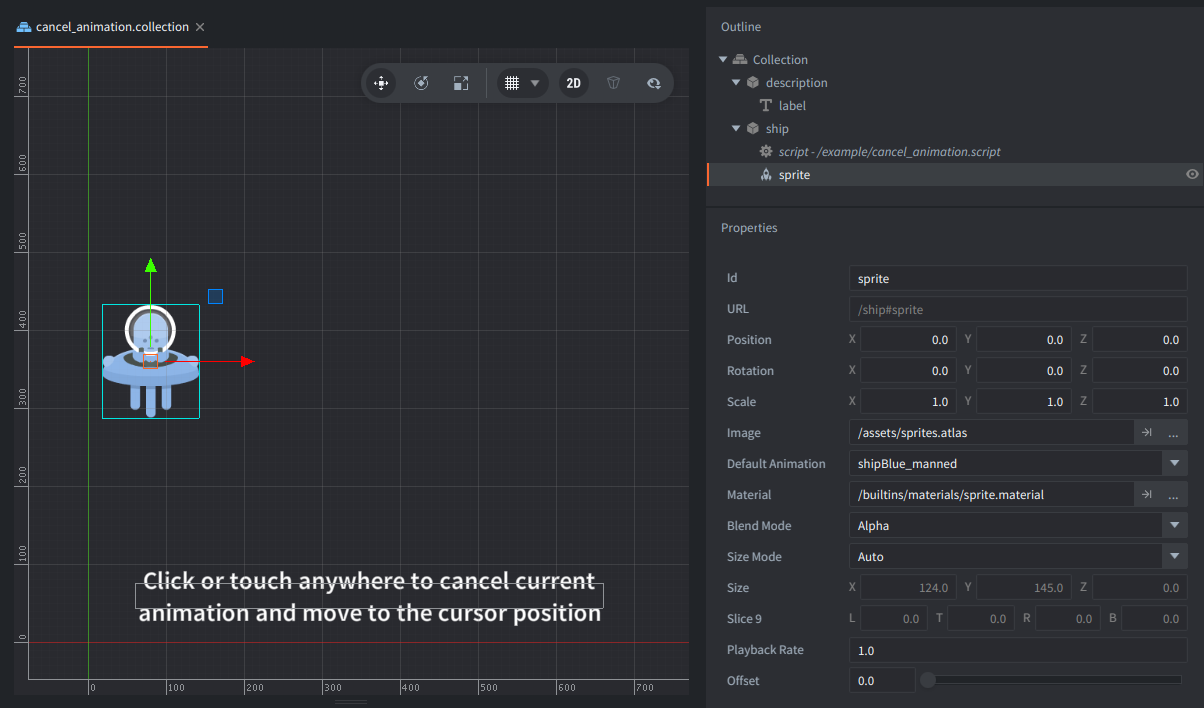
This example shows how to use `go.cancel_animations()` to stop a running animation and start a new one.
This example shows how to chain two tween animations of the position of a game object. In addition, the scale and tint is animated separately.
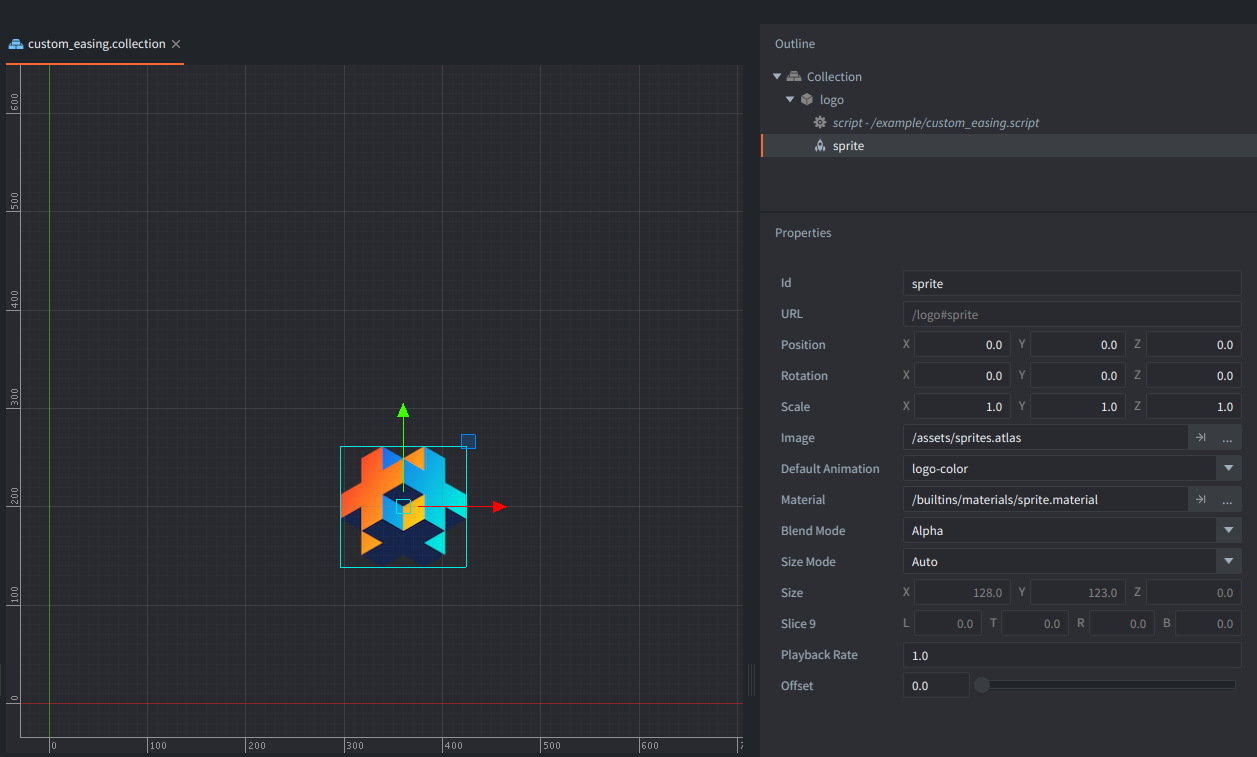
This example shows how to define a custom easing curve and use it when animating with `go.animate()` instead of a built-in easing constant.
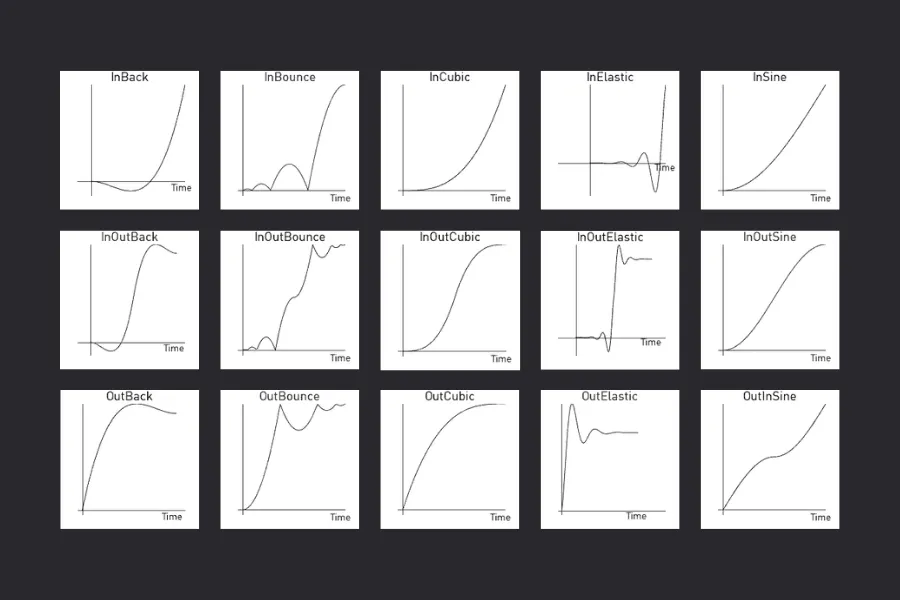
Demonstrates different easing functions available in Defold.
Shows how to animate Euler rotation.
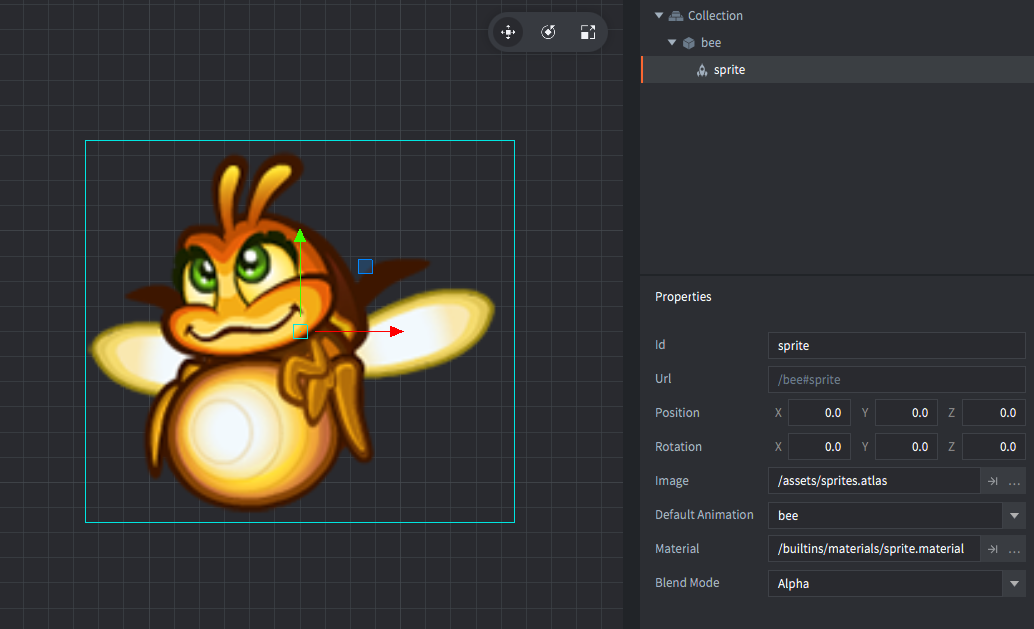
This example shows how to use a flipbook animation in a sprite
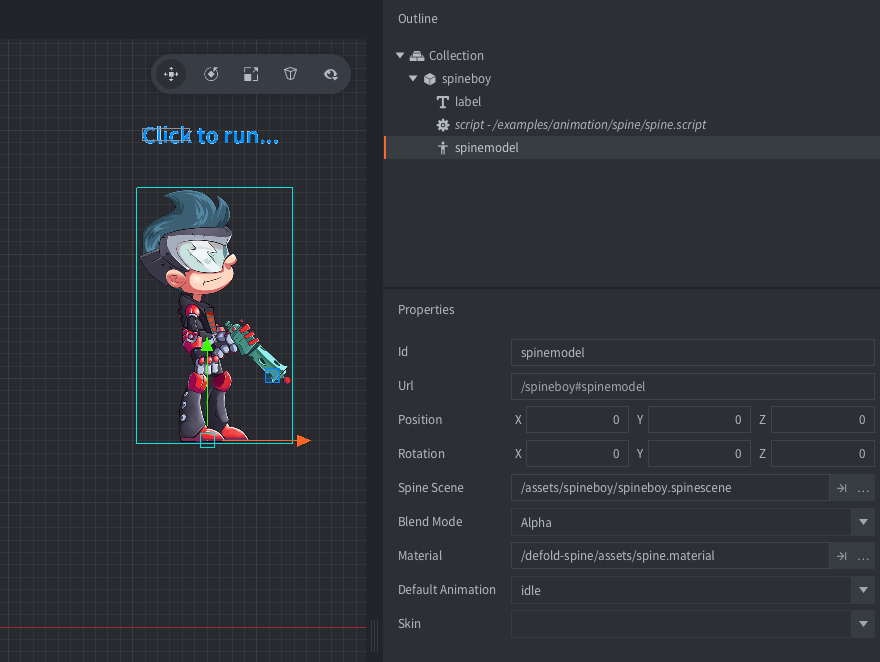
This example shows Spine bone animation that blends when animation switches.
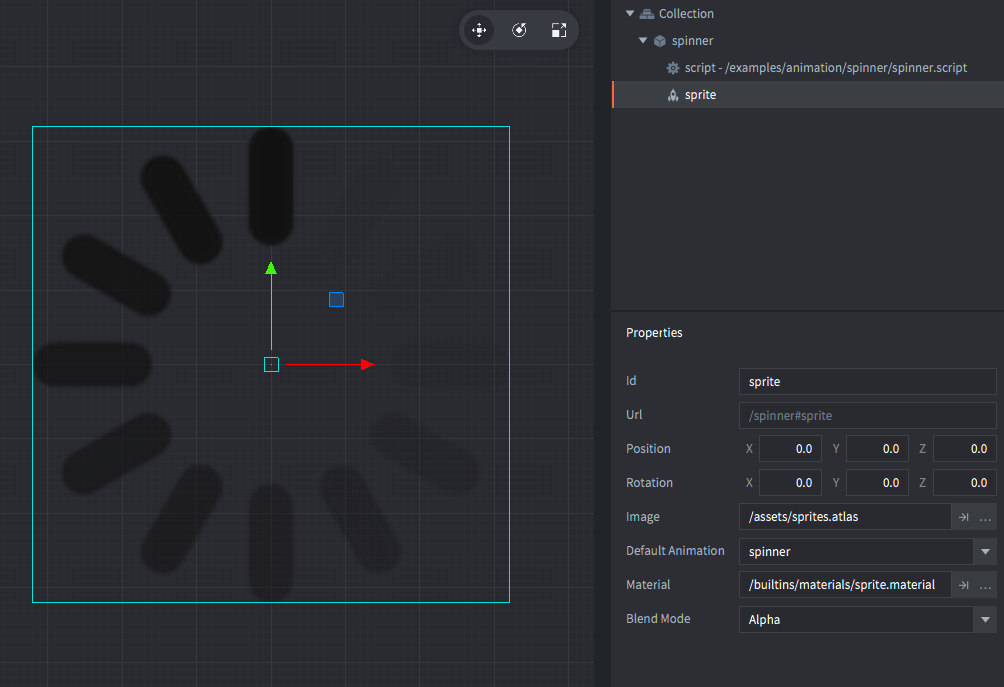
This example shows how a game object is rotated in discrete steps, matching the graphics of the progress spinner.
This example shows how to communicate between two script components in two separate game objects.
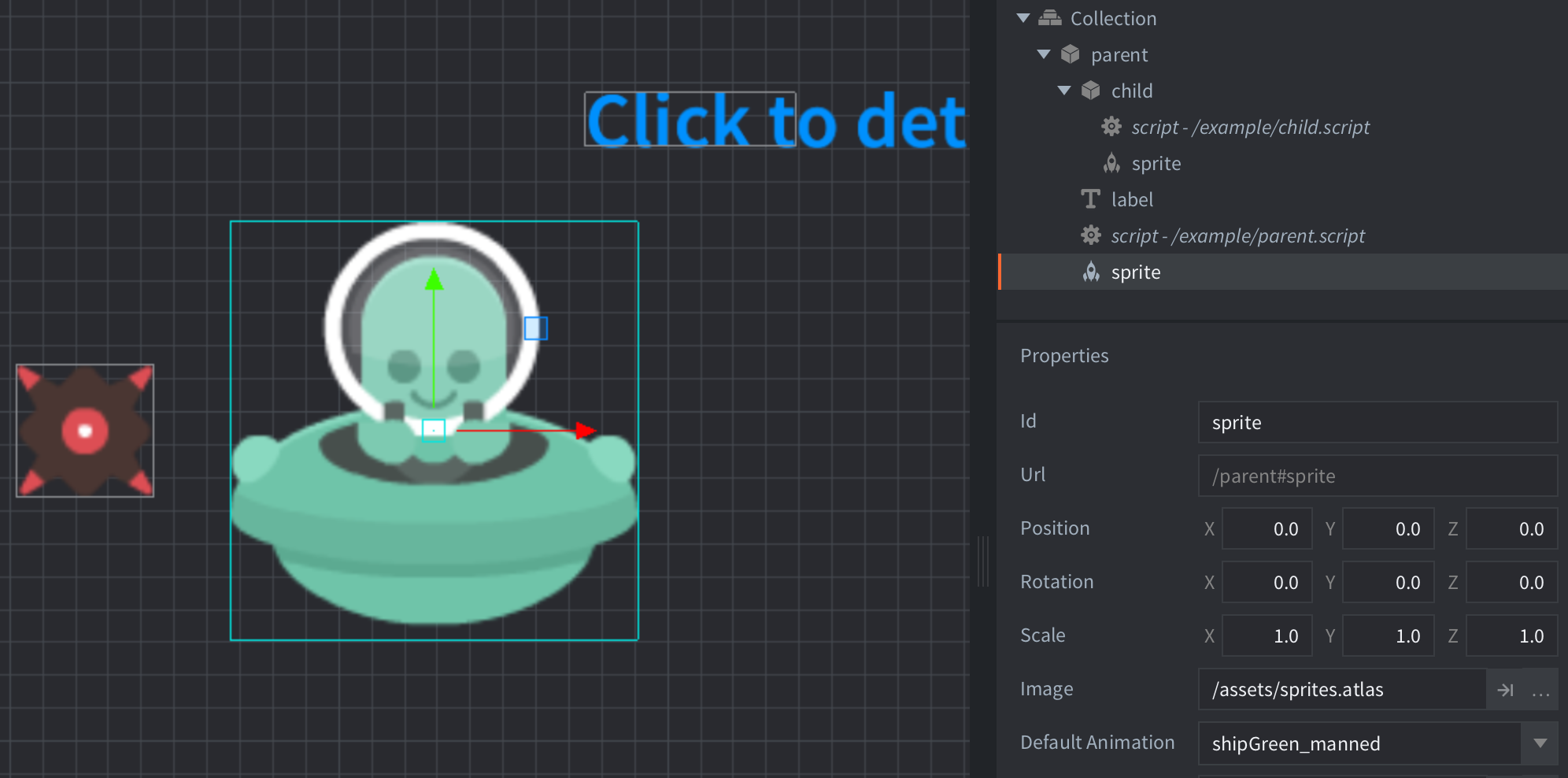
This example shows how to child a game object to a parent.
This example shows how to generate pseudo-random numbers in Defold using built-in math API.
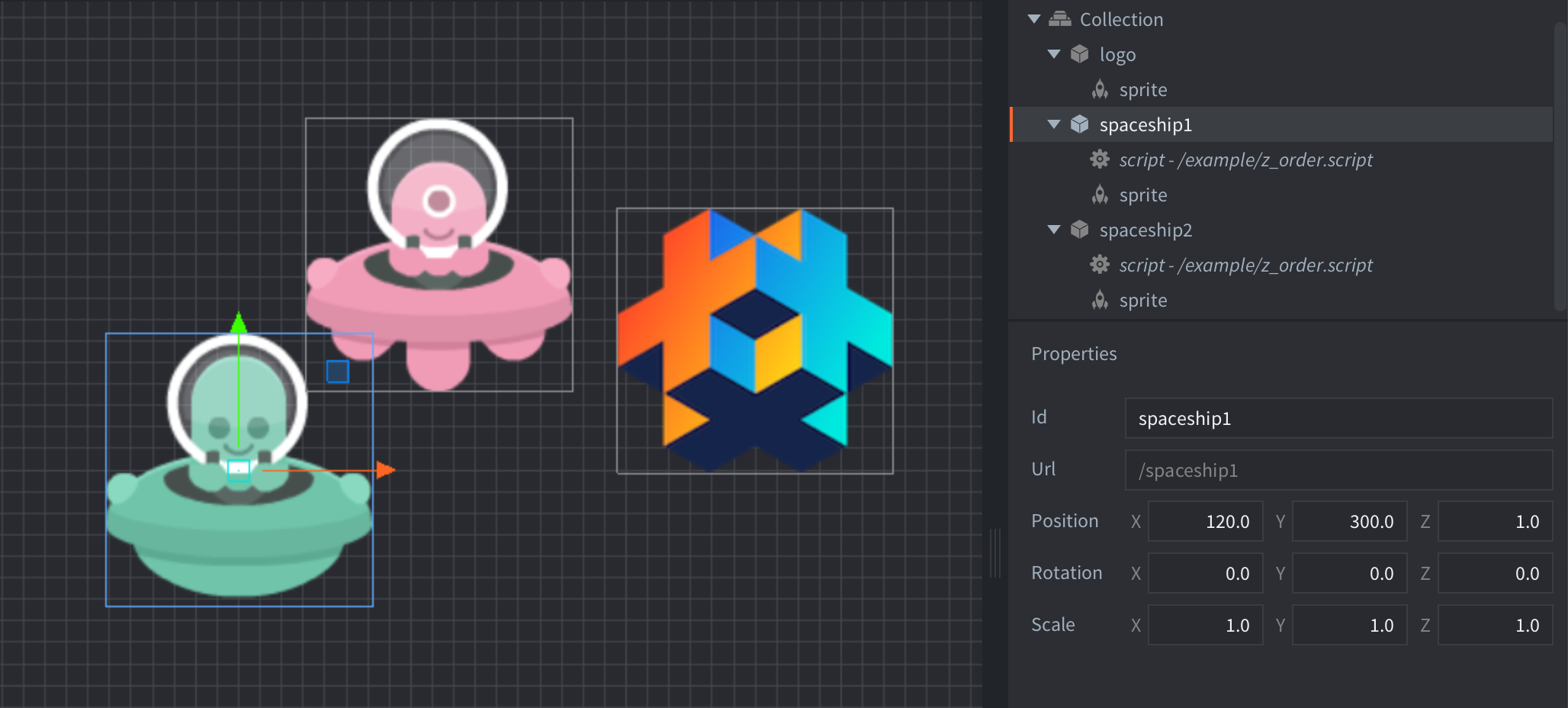
This example shows how to put sprites in front and behind of eachother
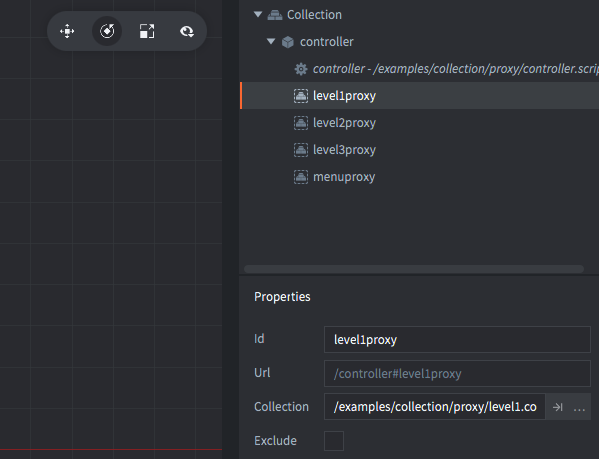
This example shows how to use collection proxies to load and unload collections.
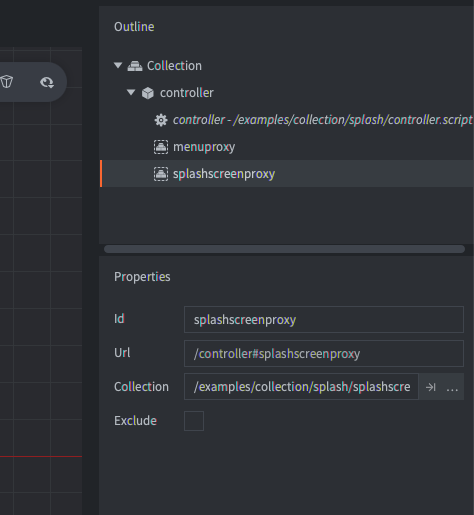
This example shows how to use collection proxies to show a splash screen while loading a game menu.
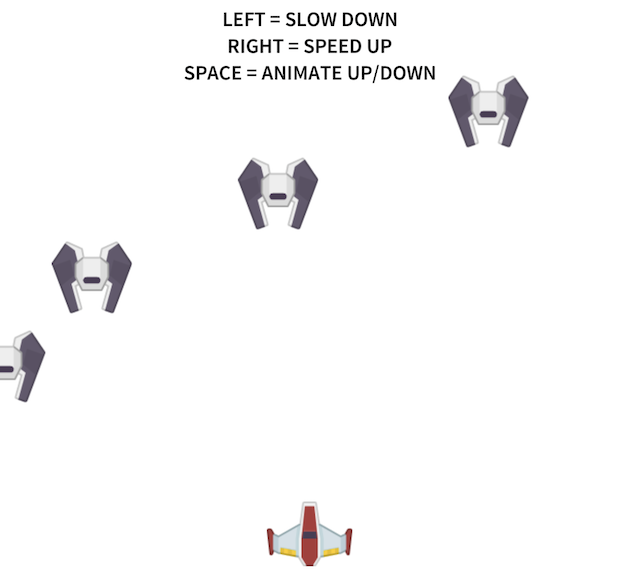
This example shows how to speed up or slow down animations in a collection proxy by changing the time step of the collection proxy.
This example allows you to toggle physics debug visualization as well as changing the time step so the simulation runs at one tenth of the speed.
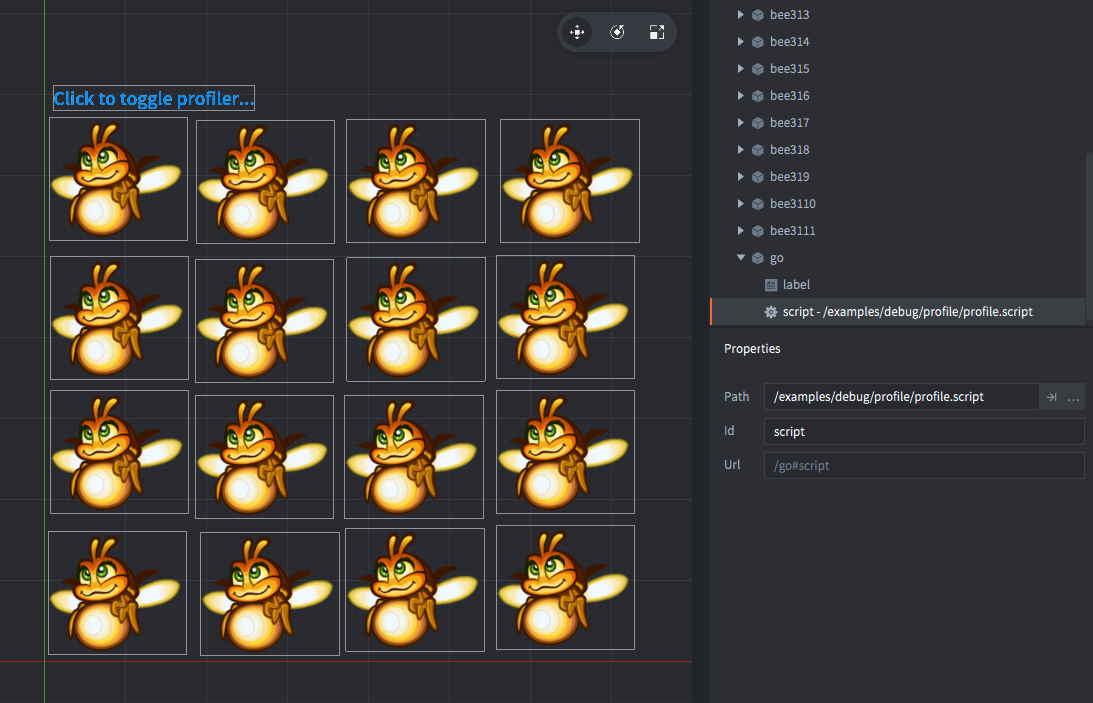
This example shows the on-screen profiler. It displays useful runtime information.
This example shows how to dynamically spawn game objects with a factory component.
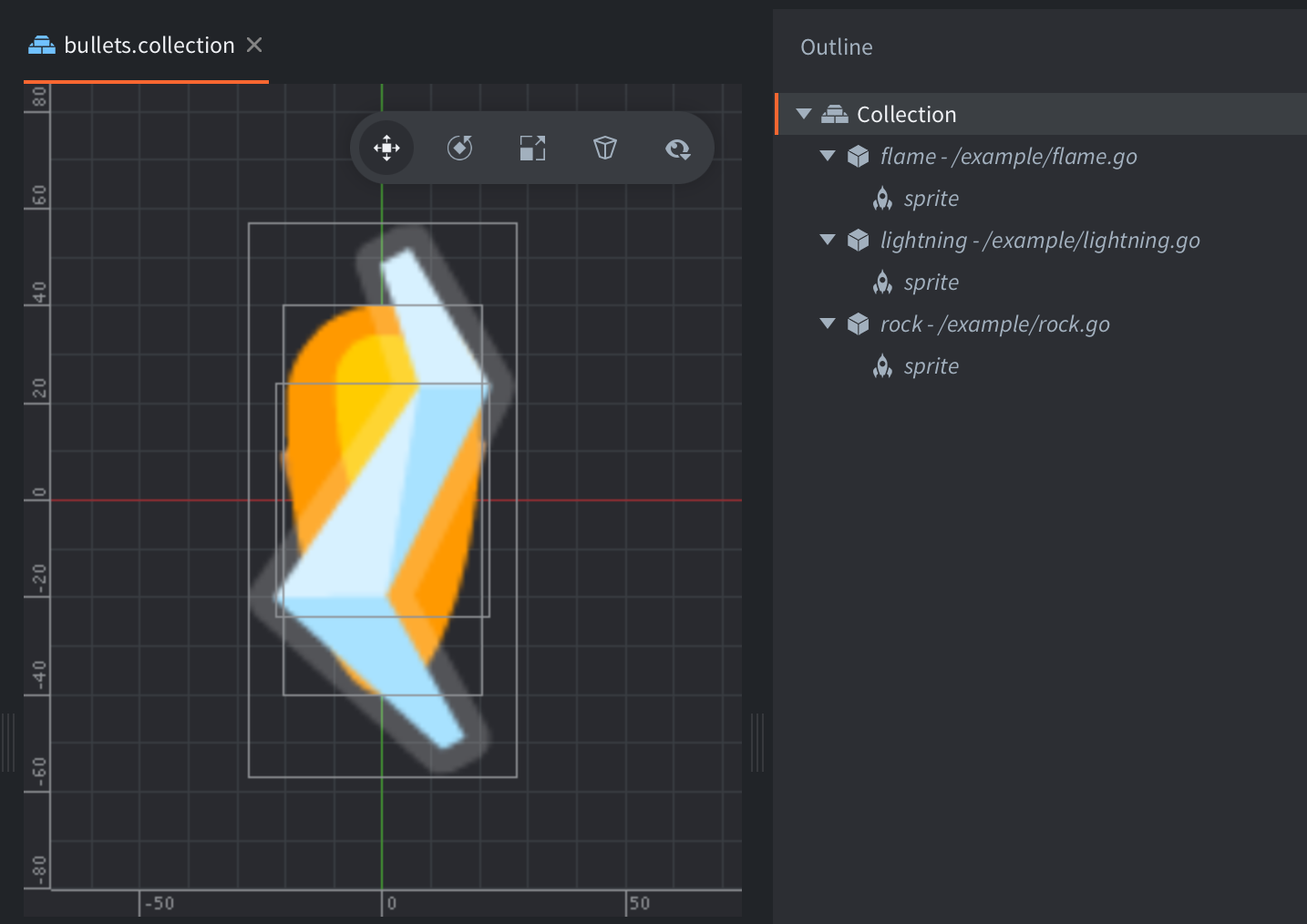
This example shows how to dynamically spawn bullet game objects using a factory component.
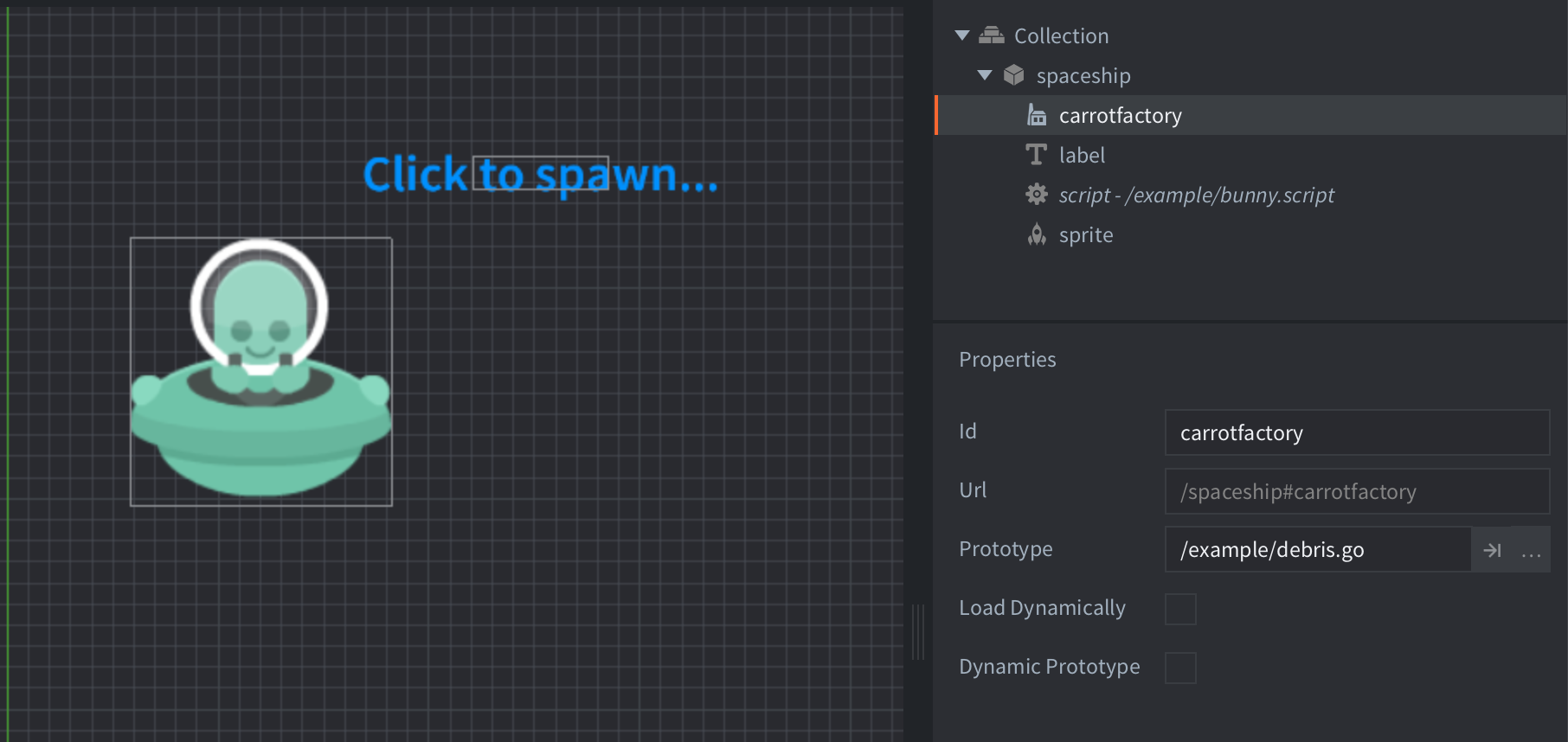
This example shows how to change the prototype game object used by a factory component.
This example shows how to spawn enemy game objects using a factory component and use a central manager to control movement and behavior of all enemies.
This example shows how to spawn enemy game objects using a factory component with different properties.
This example shows how to save and load data using sys.save() and sys.load()
A GUI box node with an image texture and a script to make it act as a button.
This example shows how change the color of GUI nodes at run-time
This example shows how to drag a GUI box node.
This example shows how to get and set a font resource on a gui component.
This example shows how to get and set a material resource on a gui component.
This example shows how to get and set a texture resource on a gui component.
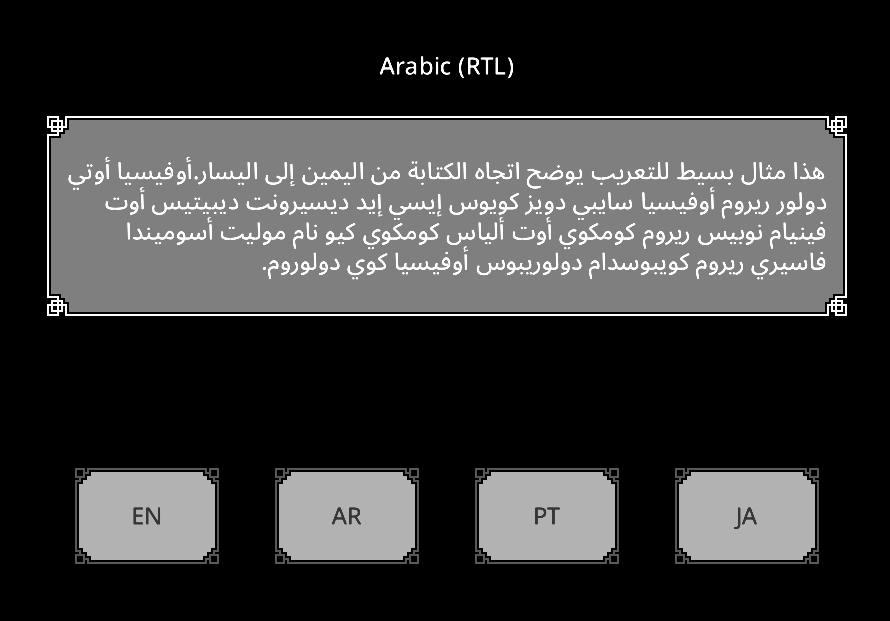
This example demonstrates how to handle localization in games, Unicode text layout, RTL rendering, and runtime font switching for localization.
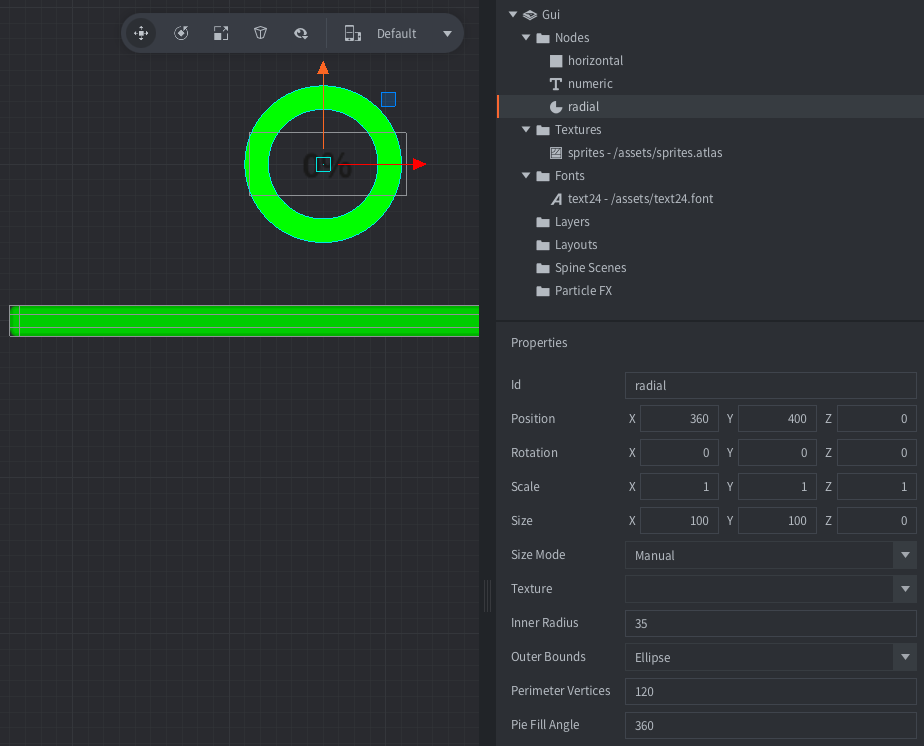
This example shows how to create various types of progress indicators
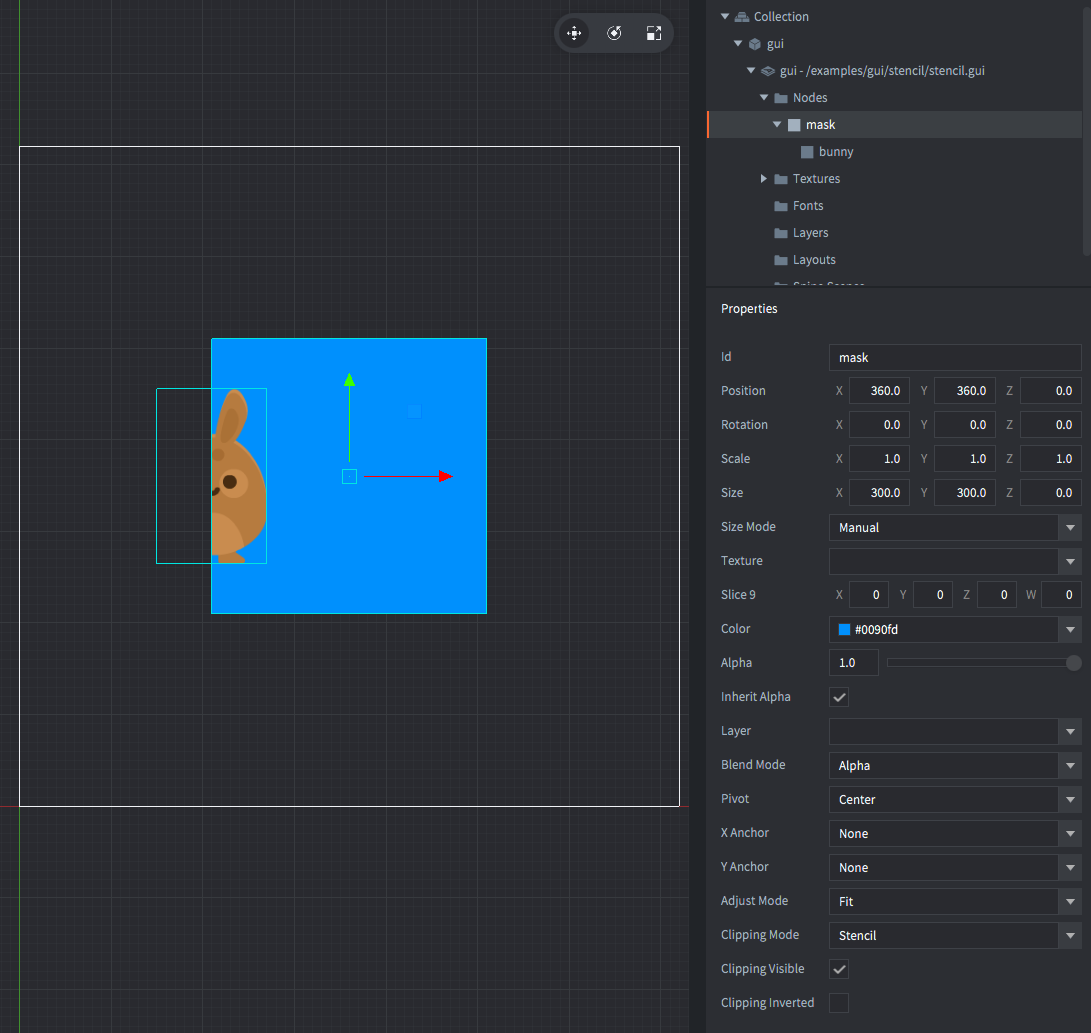
A GUI box node with "Clipping mode" set to "STENCIL". This makes it mask its child node (which is called "bunny").
Shows how to read mouse and/or touch movement and mouse button/touch state.
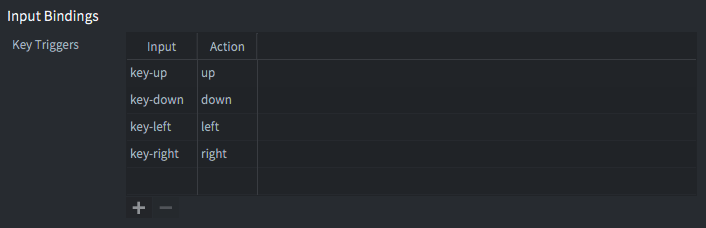
A very simple 8 ways movement setup with a single game object and a script that listens to input and updates the game object position accordingly.
Listens to text input trigger "type" and modifies the game object label with the alien's speech according to input. A "backspace" key trigger has also been added.
This example shows how to make sprites and particle sprites face the camera using a custom vertex shader.
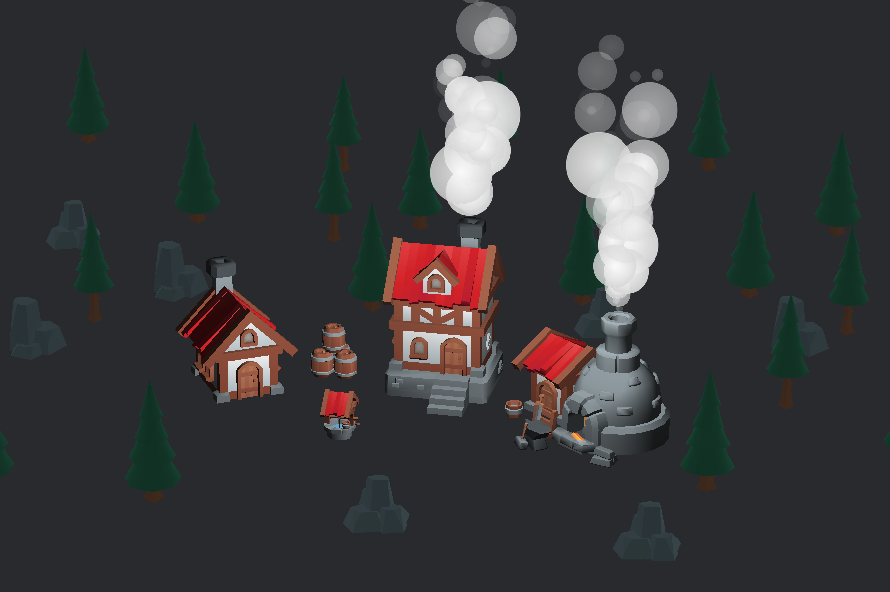
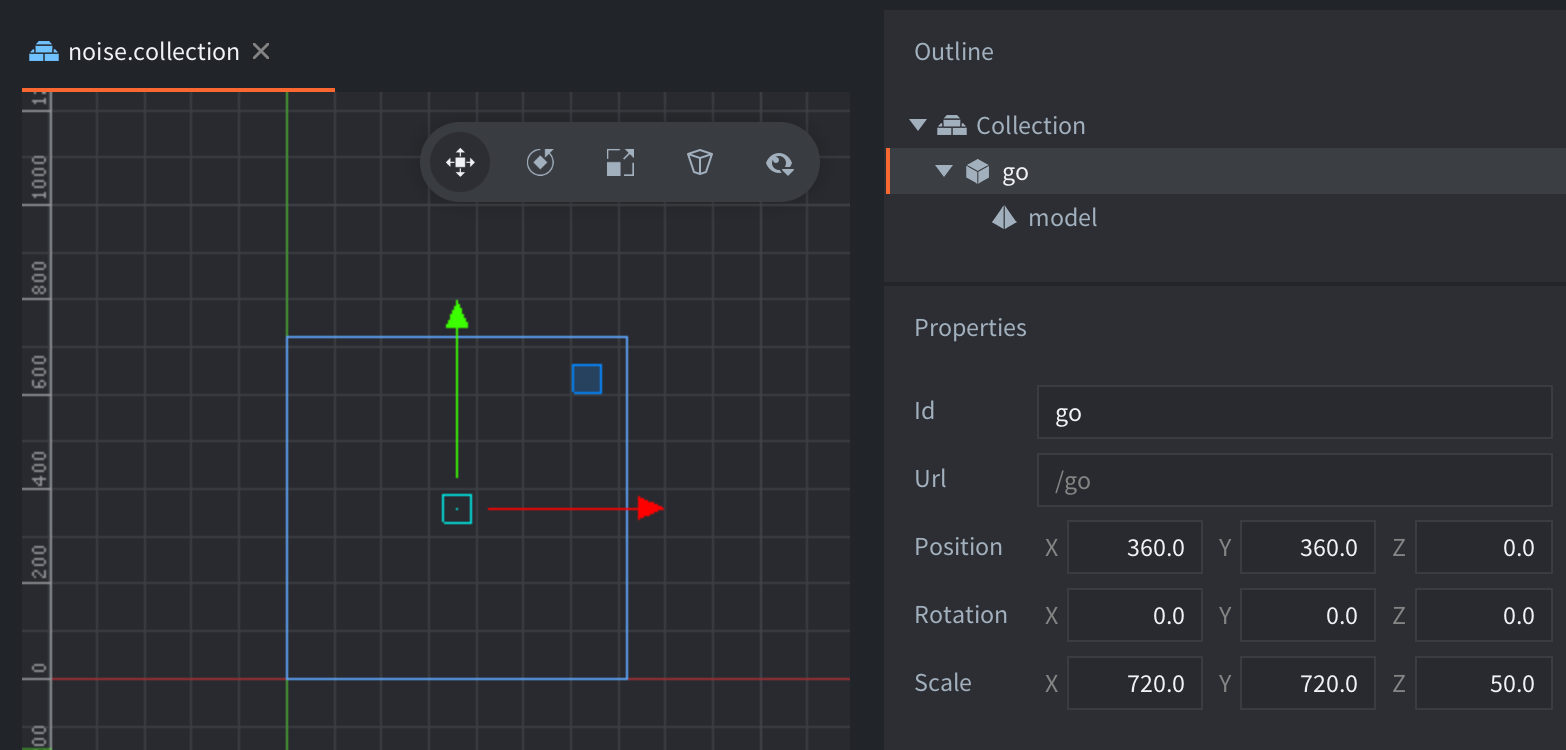
This example shows how to use a noise function to generate clouds, smoke or similar effect using a shader.
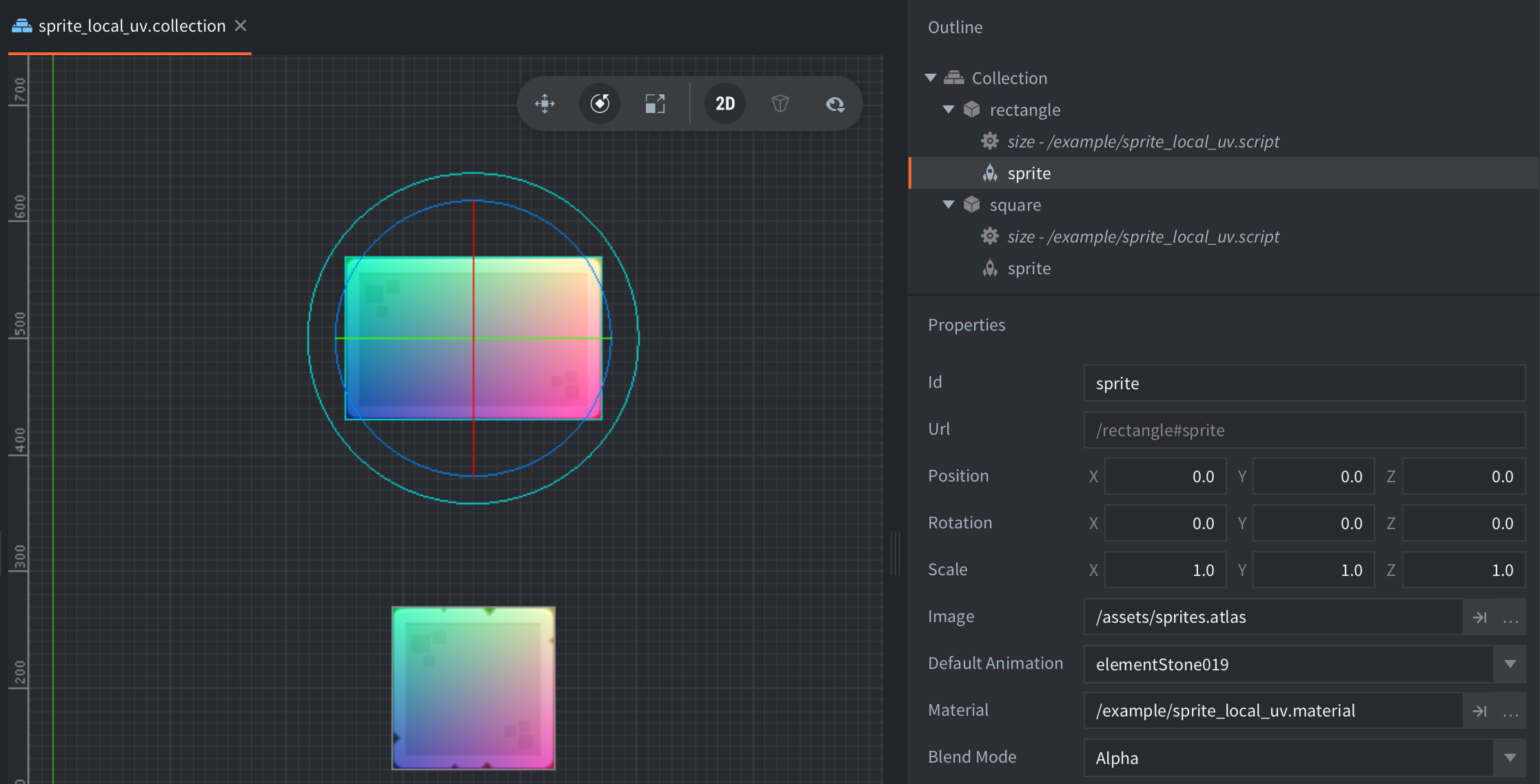
This example shows how to get local UV coordinates of a sprite regardless of sprite size
This example shows how to apply a basic shader to a full screen quad.
This example shows how to create a textured mesh component in the shape of a rectangle.
This example shows how to create a basic mesh component in the shape of a triangle.
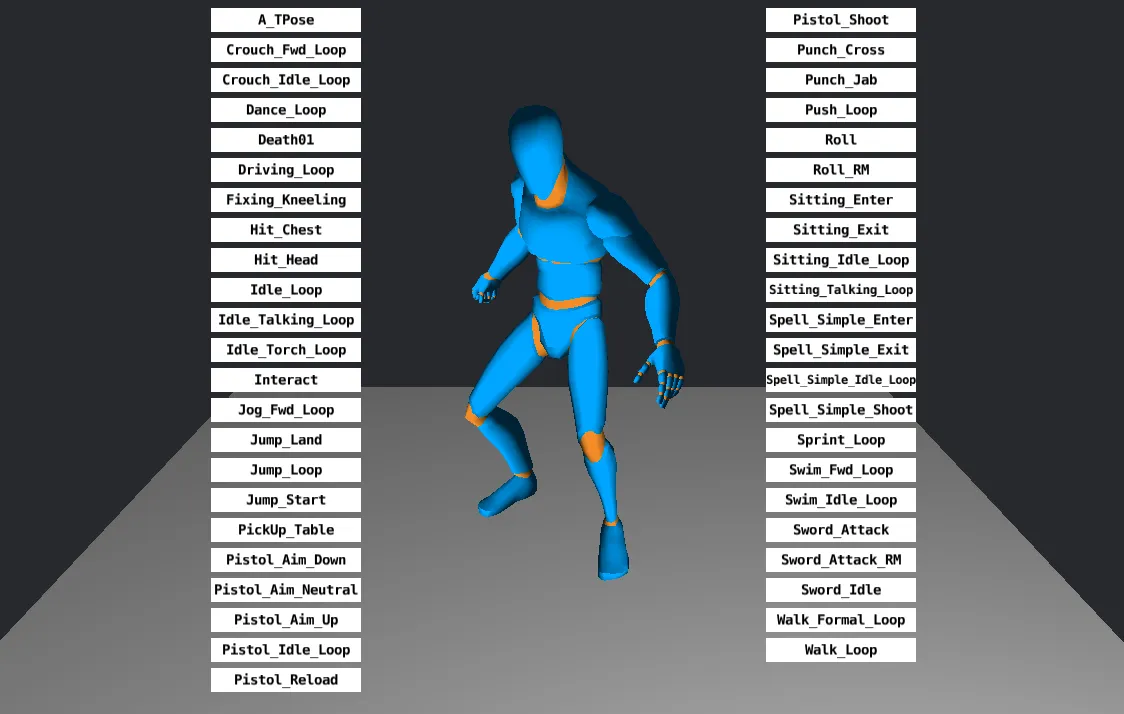
This example shows how to play skeletal animations on a glTF character model and trigger them from GUI buttons.
Shows how to sample a cubemap in a model shader to create environment reflections.
Shows how to play glTF morph target animations with a morph-capable model material.
Shows how to override morph target weights on a Model component with `model.set_blend_weights()`.
This example demonstrates GPU skinning.
This example shows how to create a skybox using a cubemap texture.
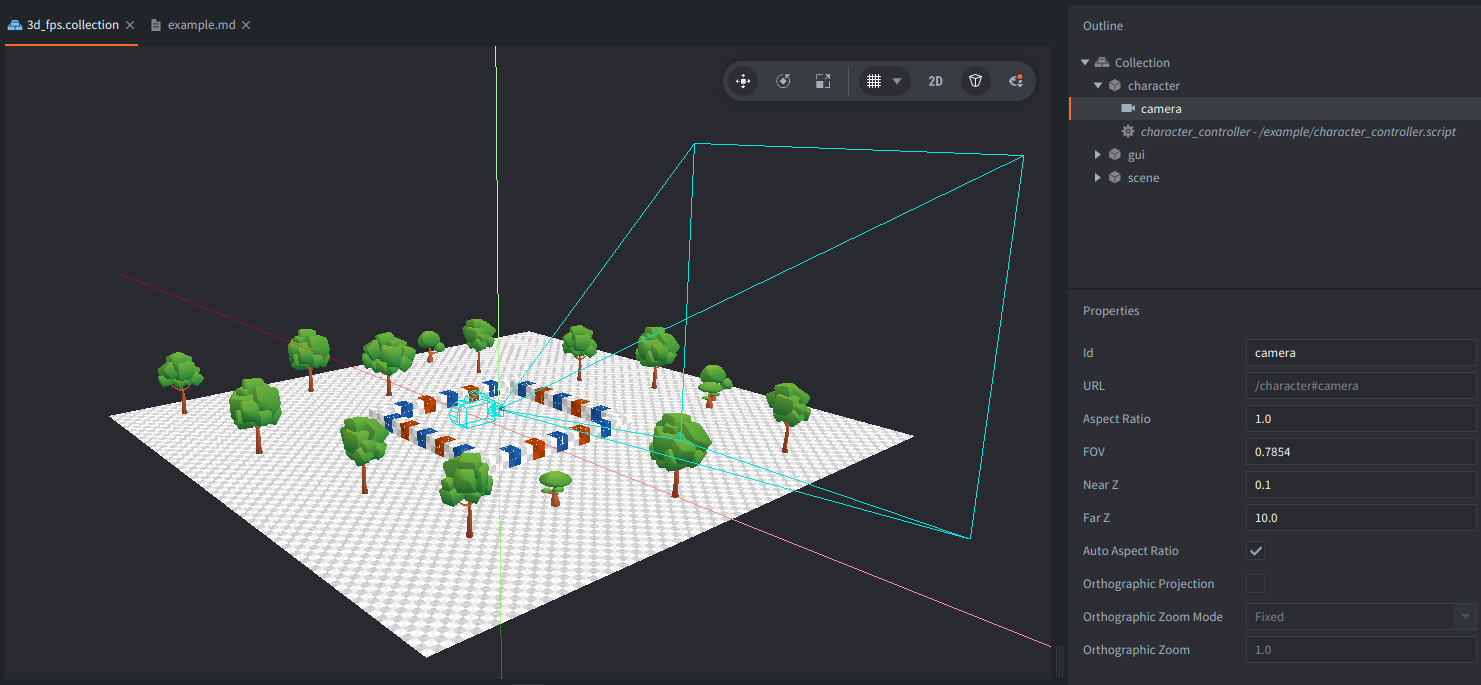
Control a first-person camera using WASD and mouse to look with cursor lock.
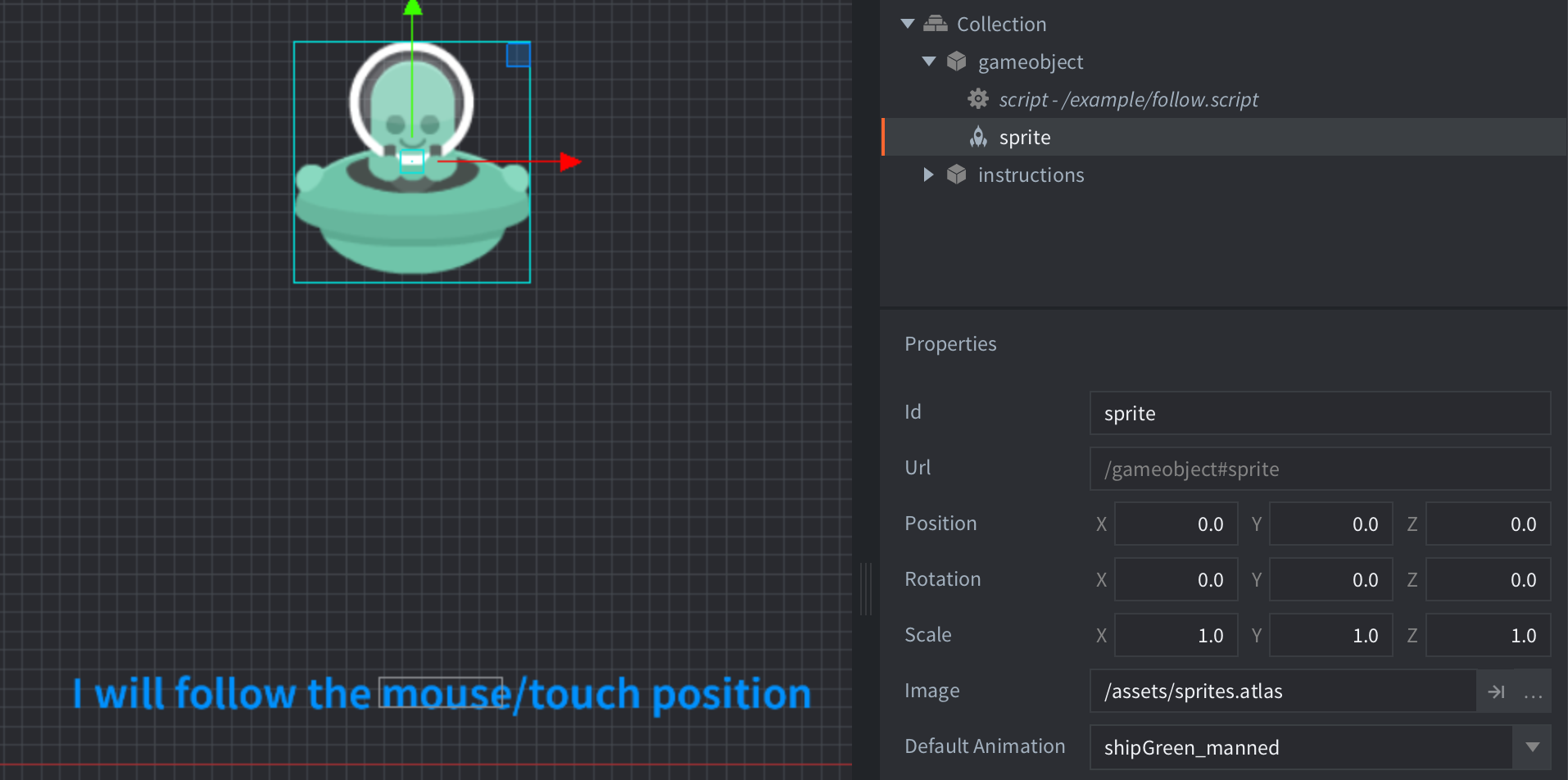
This example shows how to make a game object continuously follow the mouse.
This example shows how to rotate a game object to look at the mouse cursor
This example shows how to move a game object in the direction it is rotated/facing.
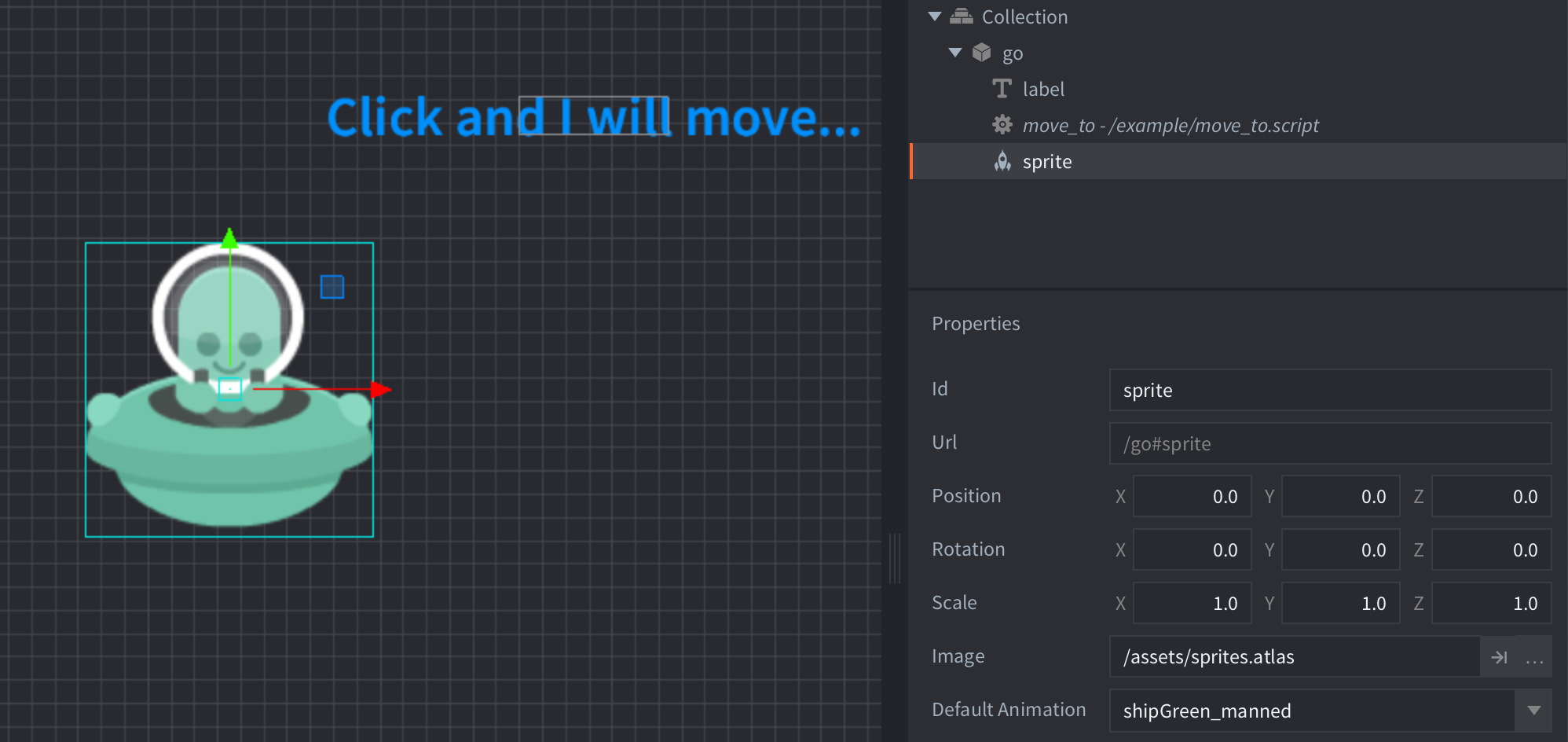
This example shows how to make a game object move to the position the user clicks.
This example shows how to move a game object with accelerating speed.
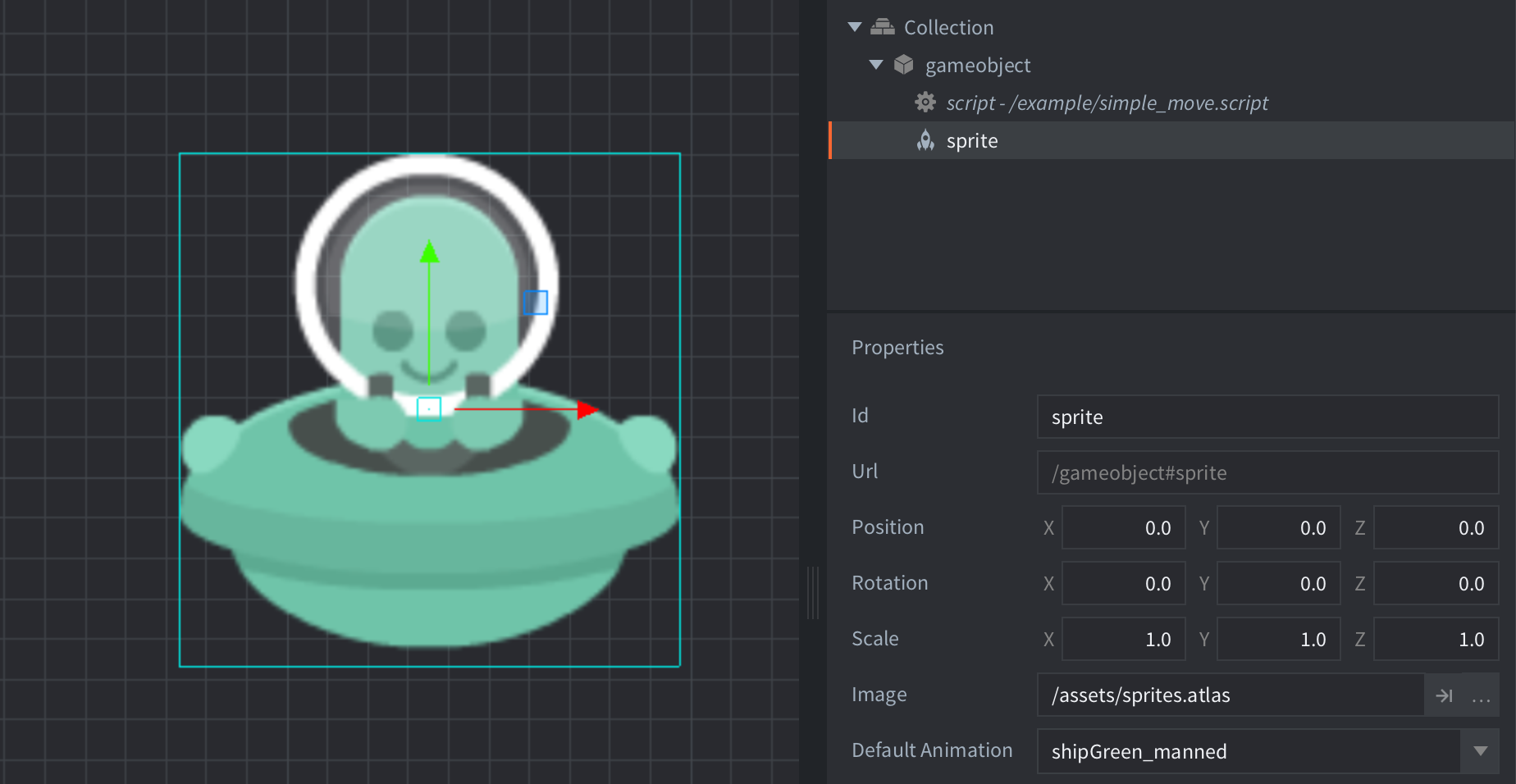
This example shows how to move a game object.
This example shows how to spawn firework rockets with separate trail and burst particle effects, including a small dip before the burst.
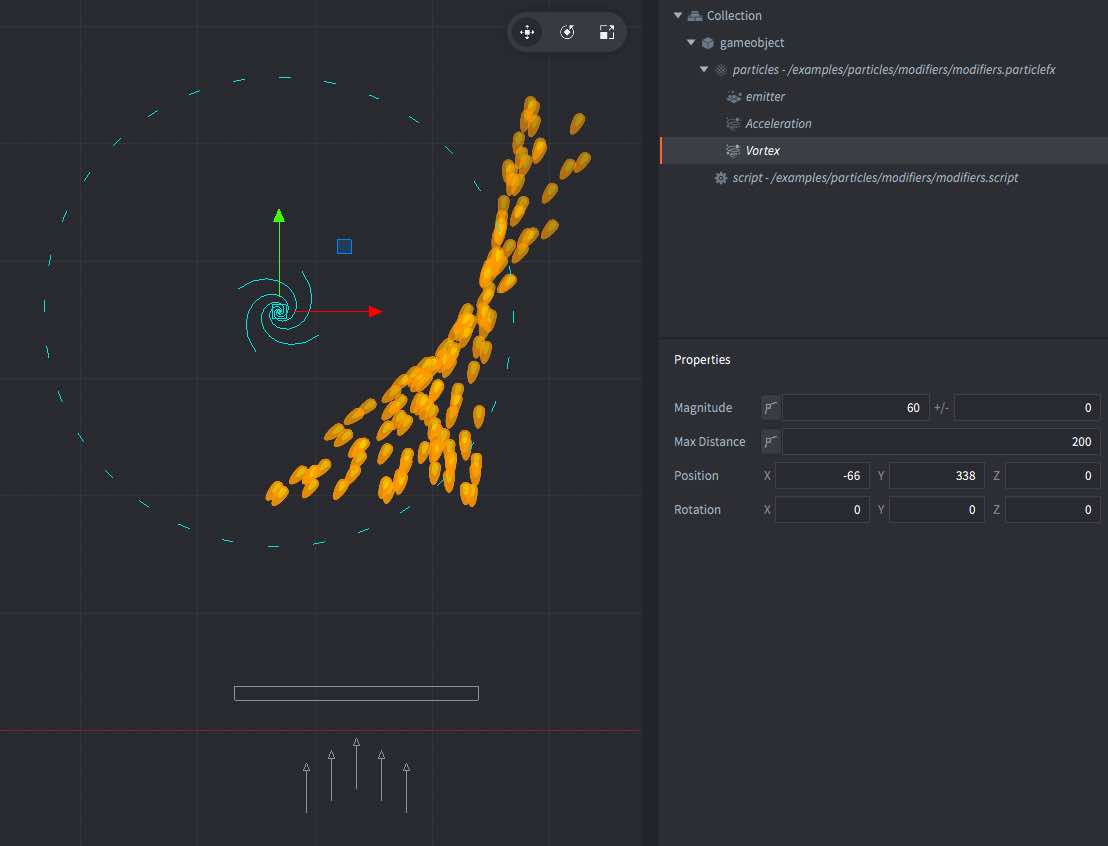
This example shows particle effect modifiers. Modifiers are used to alter the path of emitted particles.
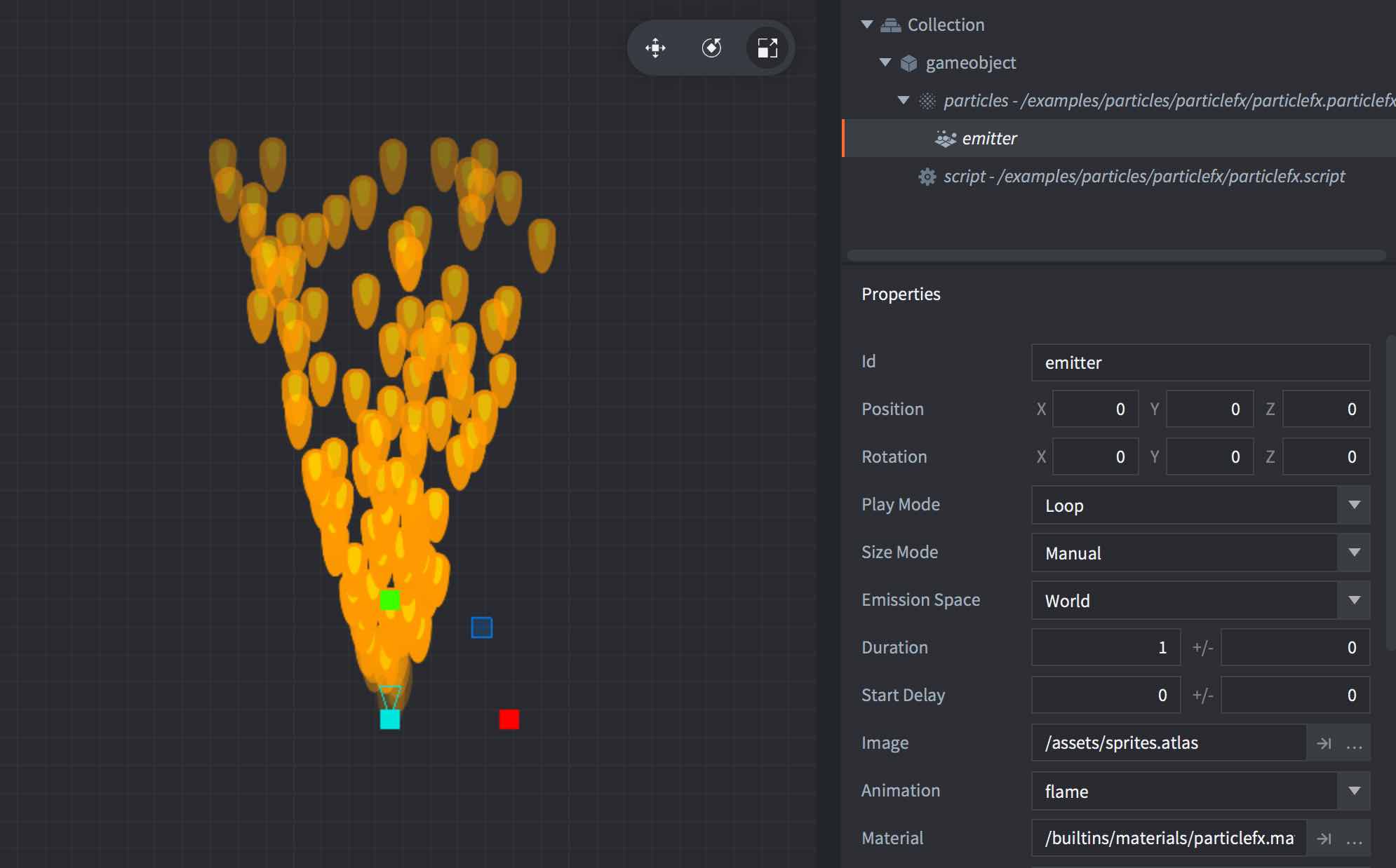
This example shows a simple particle effect. The particlefx component has all the values at default, except the image and animation used.
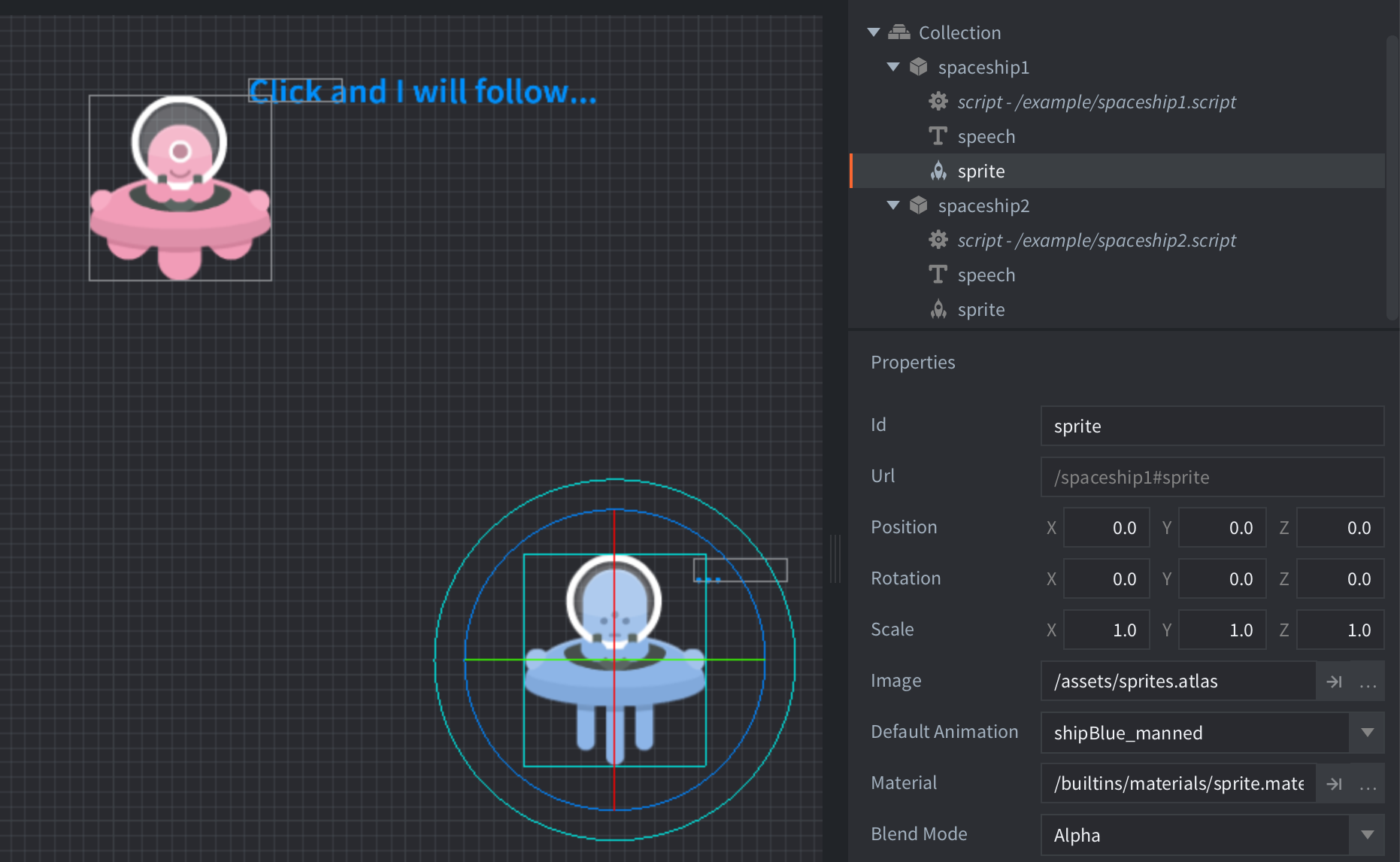
This example demonstrates the difference between local and world particle emission spaces. Two UFO objects move up and down, showing how particles behave differently when emitted in emitter space versus world space.
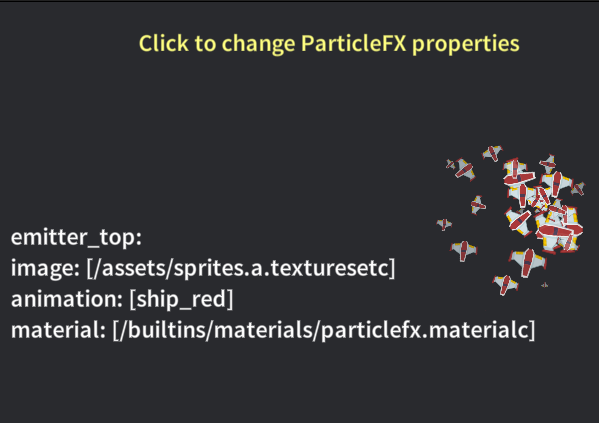
This example shows how to get and set ParticleFX emitter image, animation, and material at runtime.
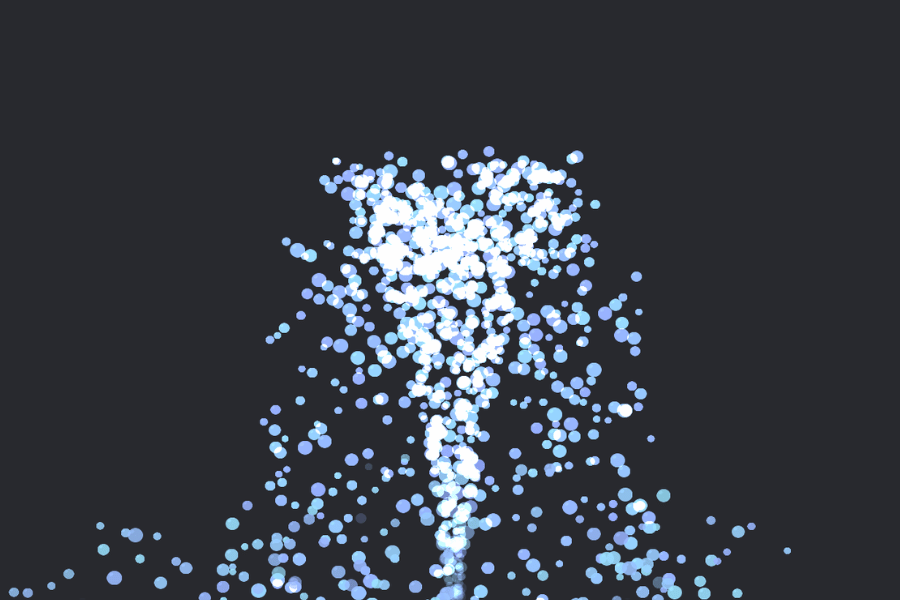
This example shows how the Start Delay emitter property can be used to sequence two emitters inside a single ParticleFX and create a simple fountain effect.
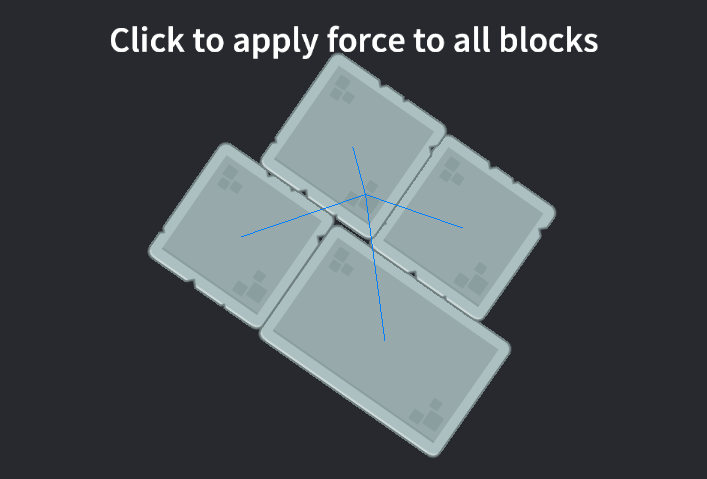
This example demonstrates how to apply directional force to all dynamic blocks on touch/click and draws debug direction lines.
Create Box2D chain terrain from script using Box2D V2 legacy and Box2D V3.
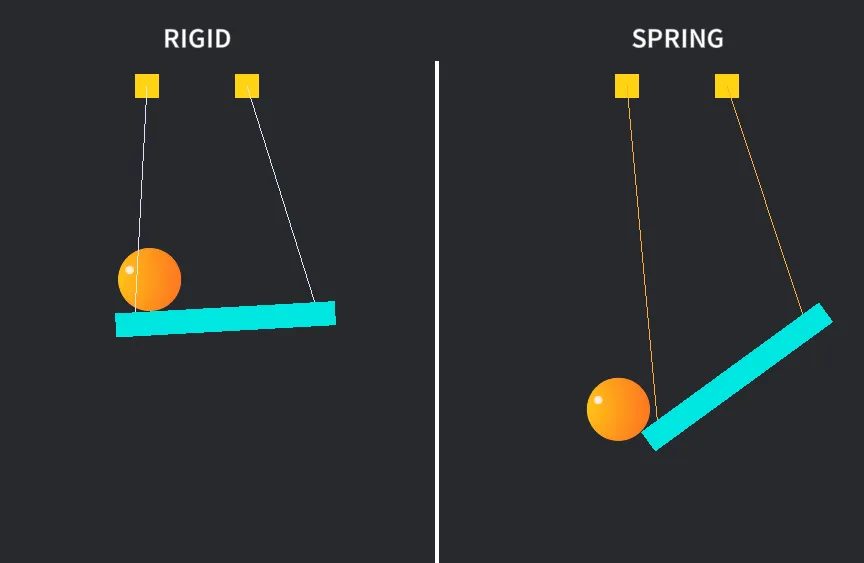
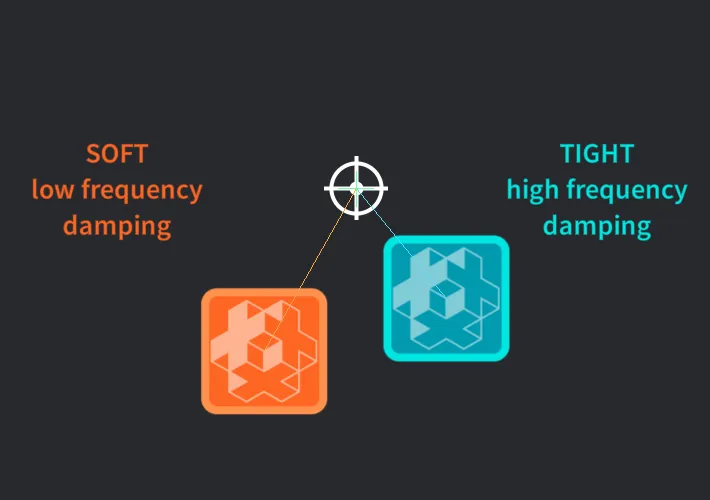
Compare a rigid distance joint with the same joint configured as a damped spring.
Resize dynamic Box2D collision shapes at runtime and recalculate body mass.
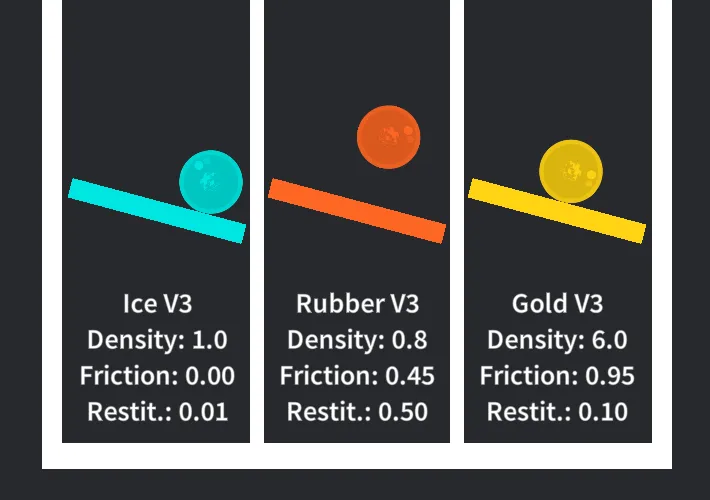
Tune Box2D density, friction, and restitution from script using Box2D V2 legacy and Box2D V3.
Create and control a motorized Box2D joint from script using Box2D V2 and V3.
Create a mouse joint that pulls dynamic bodies toward a moving target.
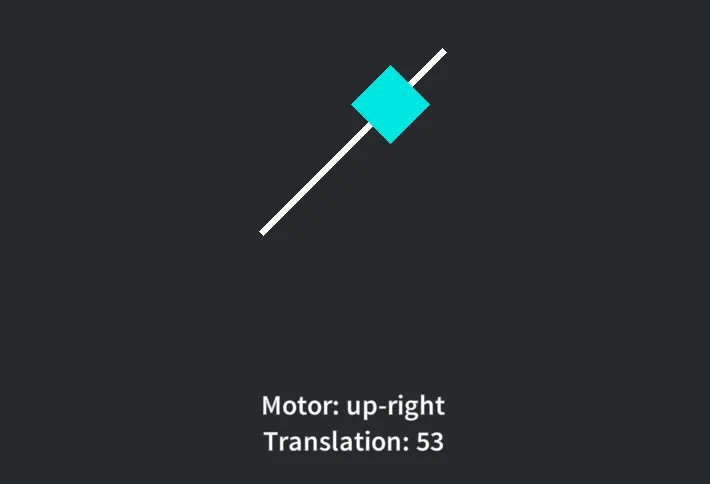
Create a motorized Box2D prismatic joint with translation limits from script using Box2D.
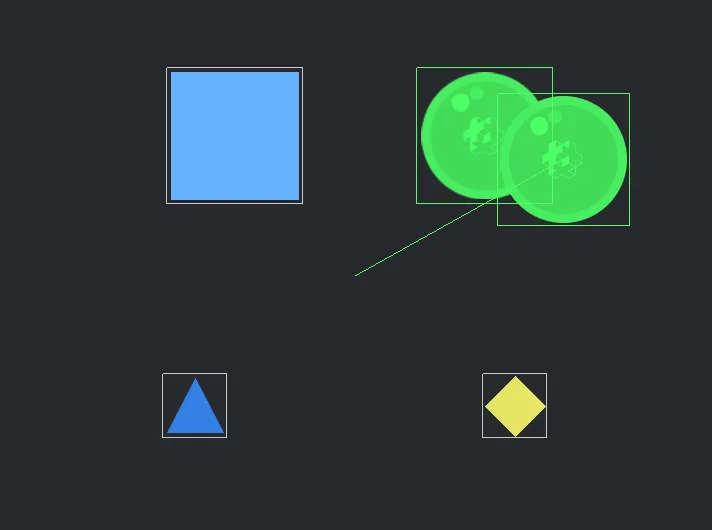
This example shows how to use Box2D world overlap and raycast queries.
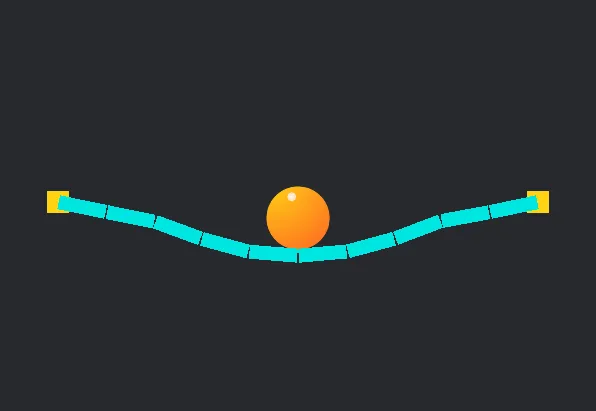
Create a bridge from revolute joints between existing Defold collision objects.
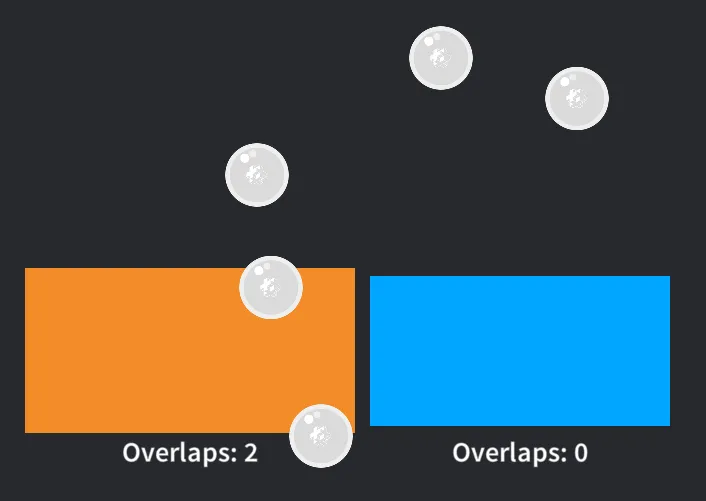
Create Box2D sensors from static collision shapes.
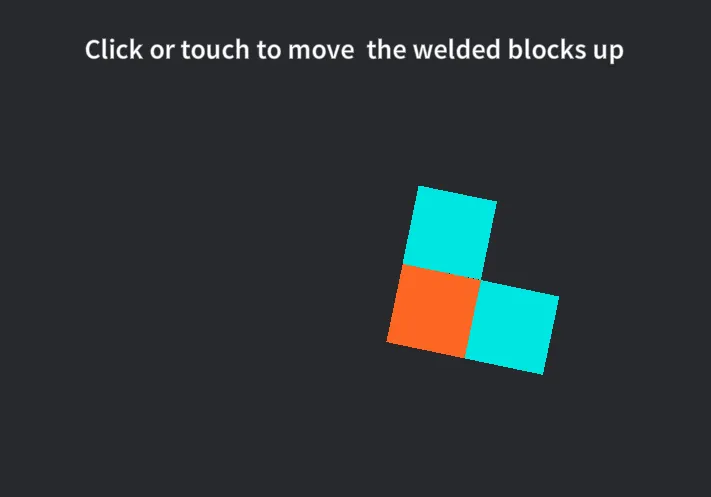
Create Box2D weld joints from script so separate dynamic bodies behave like one rigid assembly.
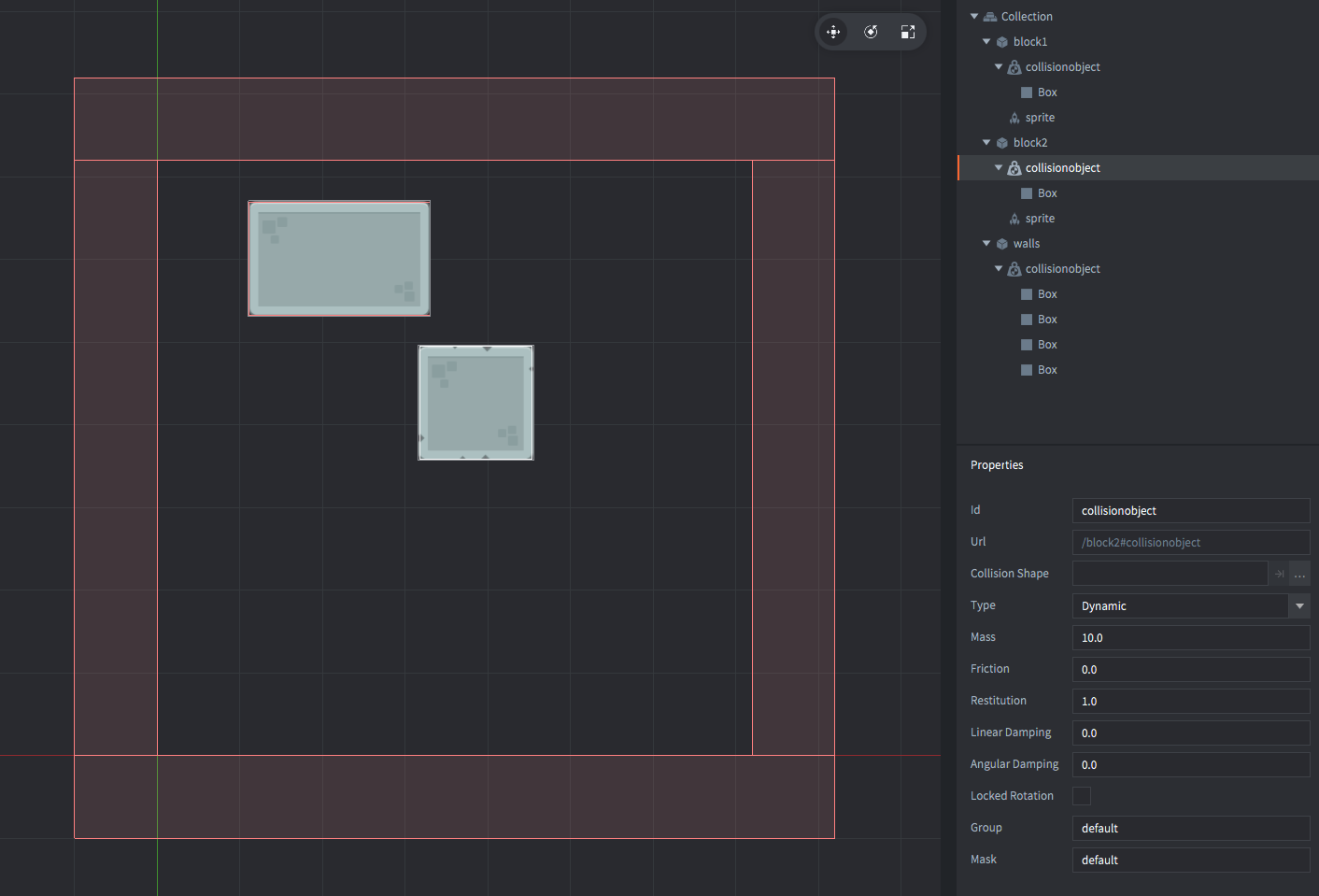
This example shows a simple setup with dynamic physics objects.
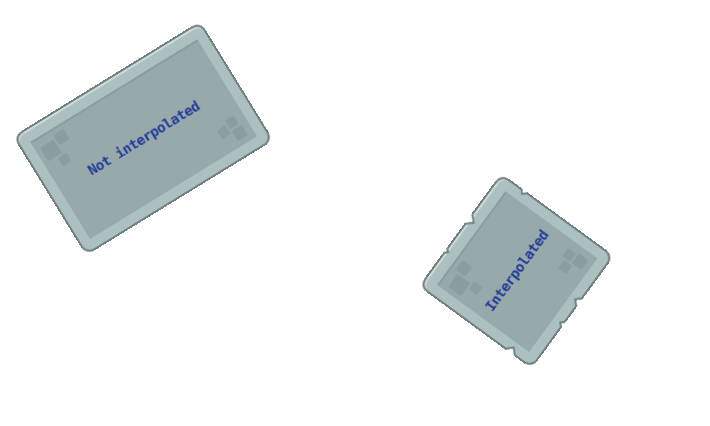
This example shows how to smooth physics motion in fixed update mode by interpolating a visual sprite while keeping the physics body fixed-step.
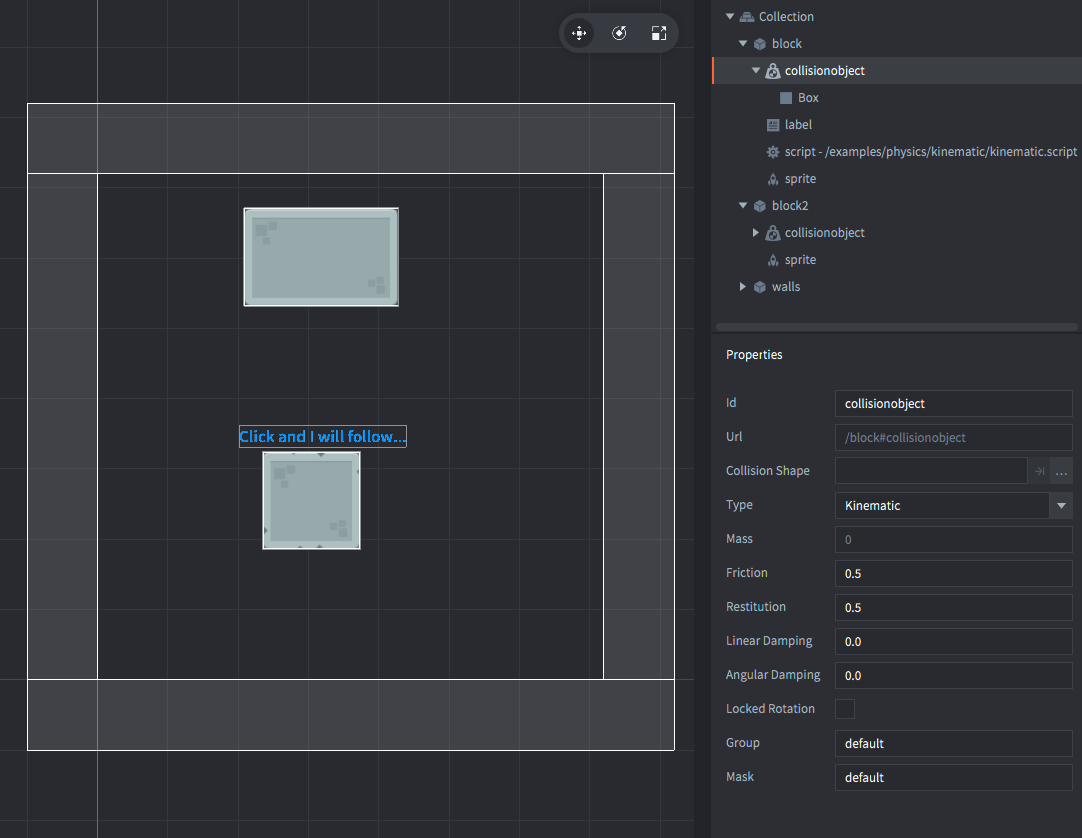
This example shows a simple setup with a kinematic physics objects. The difference between dynamic objects, simulated by the physics engine, and kinematic objects, that are user controlled, is clearly seen here.
This example shows how to create a knockback effect when hit.
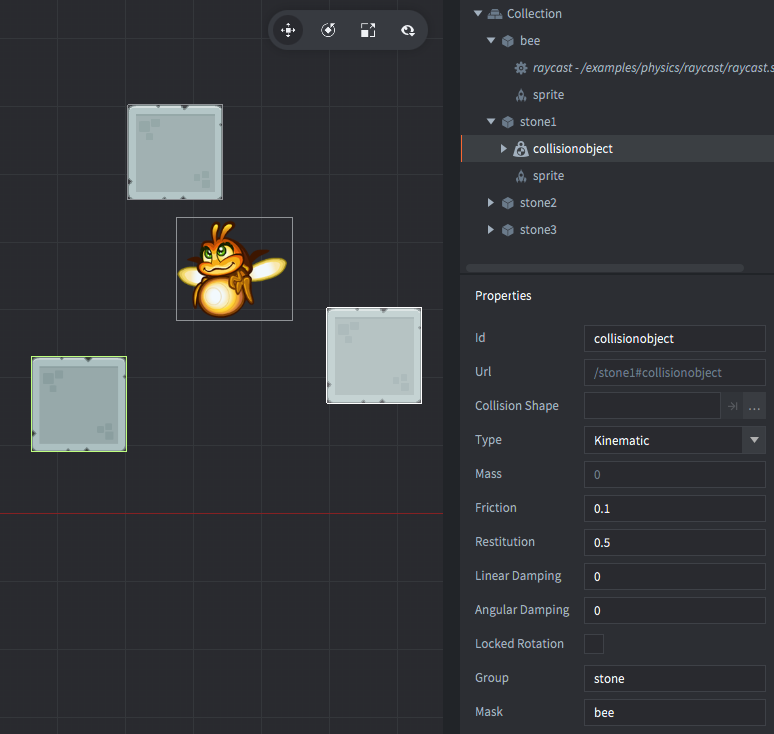
This example shows how to use physics raycasts to detect collisions along a straight line from a start point to an end point.
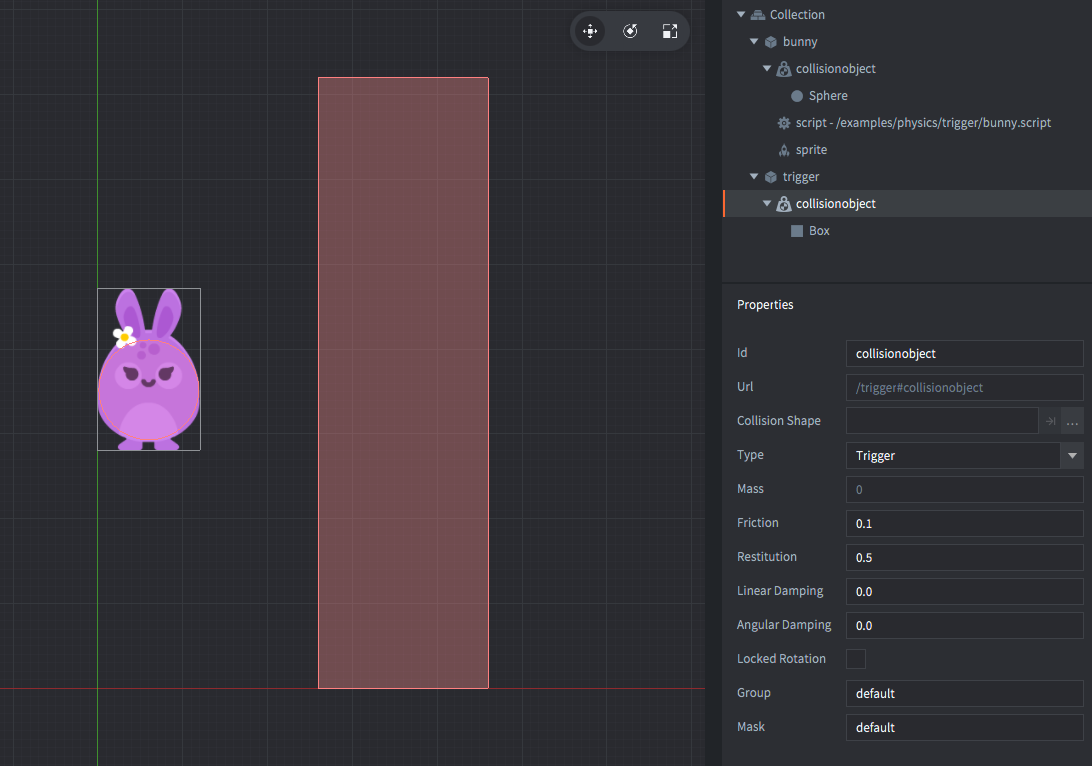
This example shows how a physics trigger is used to trigger an event. In this case the bunny sprite is disabled and enabled.
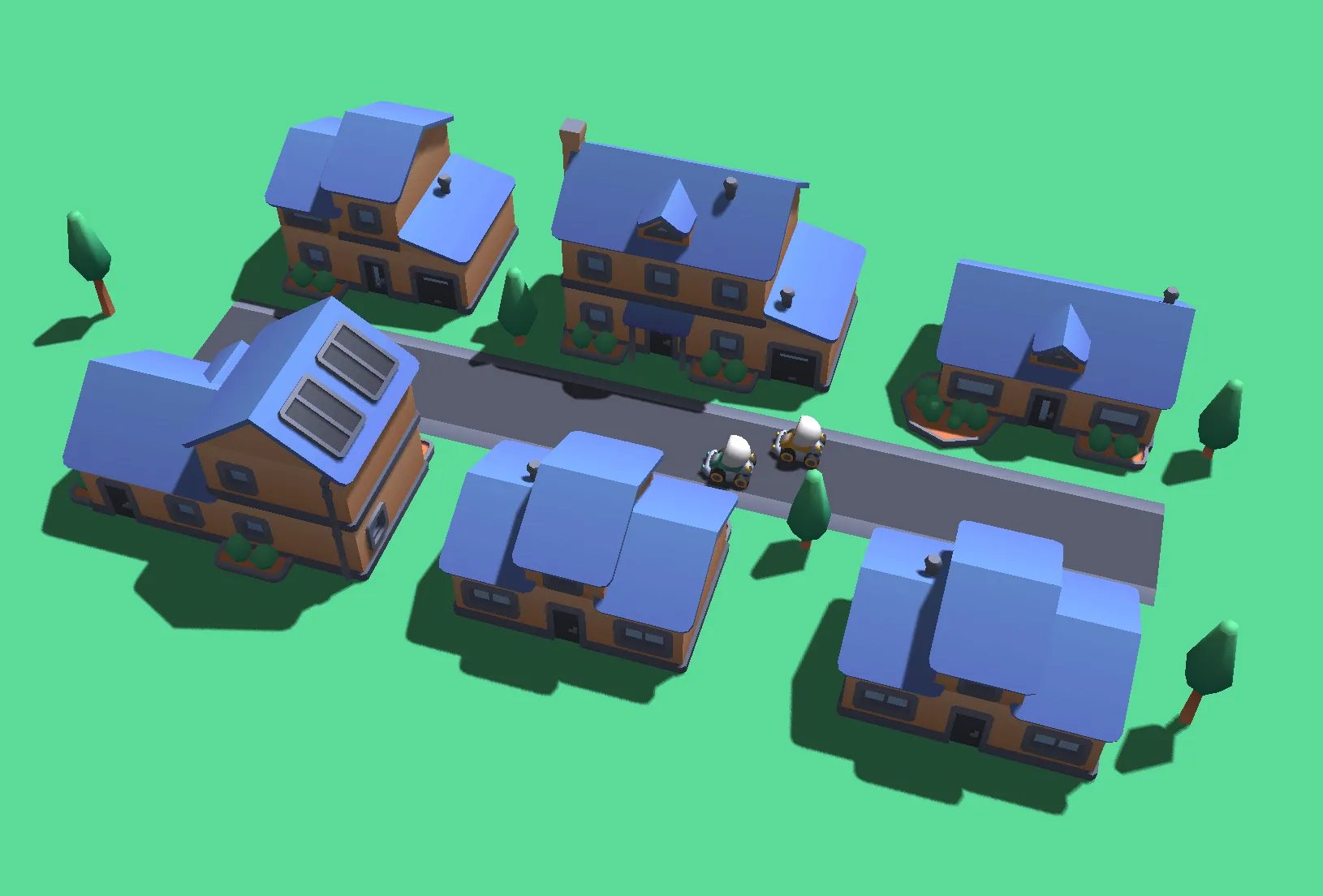
This example shows how to make sprites respond to Defold Light components with a custom material in a basic setup.
This example shows how ambient, directional, point, and spot lights affect 3D models that use built-in lit materials.
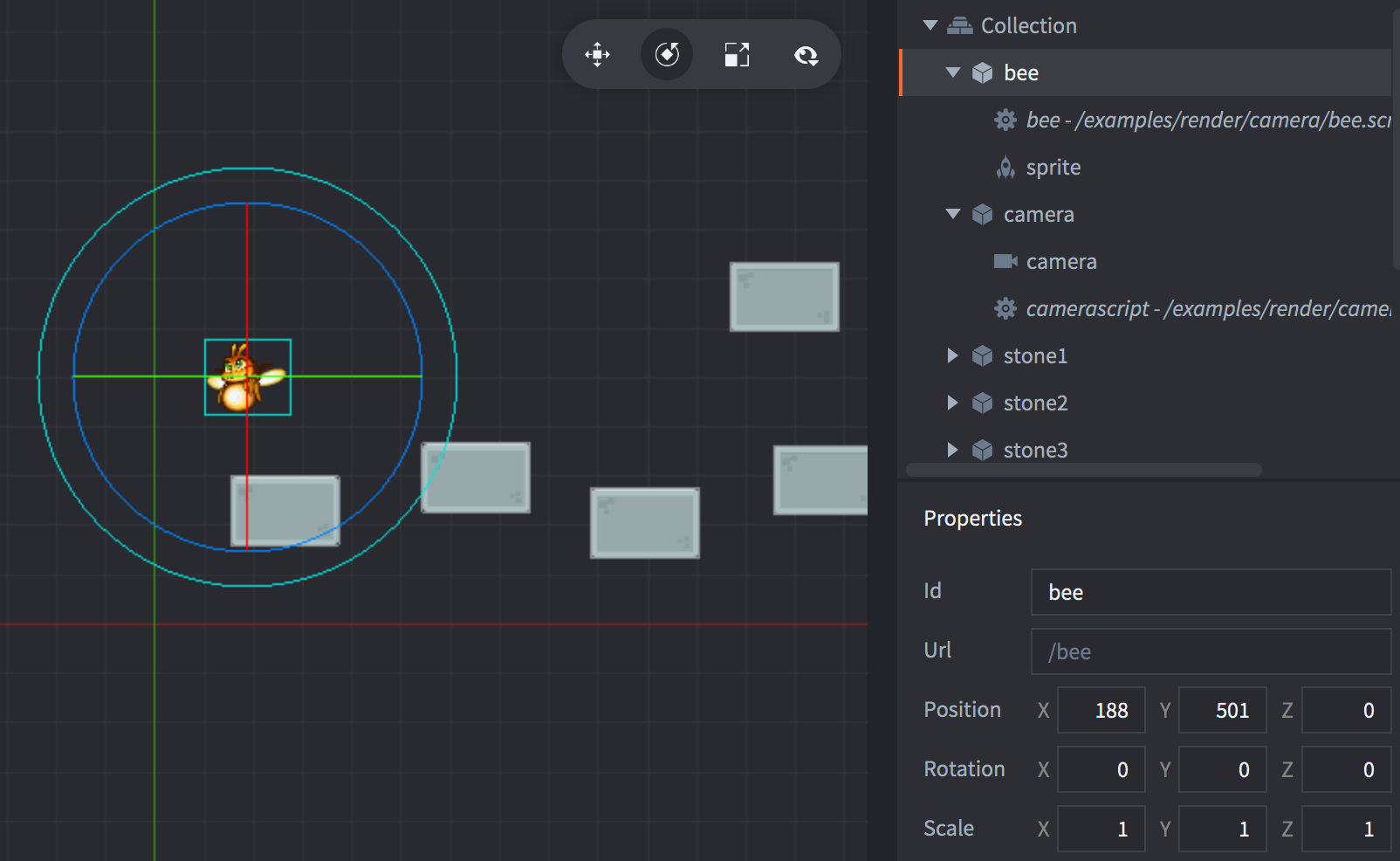
This example shows how to use a camera component and have it follow a game object. Click to toggle between following the game object and staying stationary.
This example shows how to implement a configurable, PCF-filtered shadow map for a directional light.
This example shows how to zoom an orthographic camera in and out by changing Orthographic Zoom while the camera is in Fixed mode.
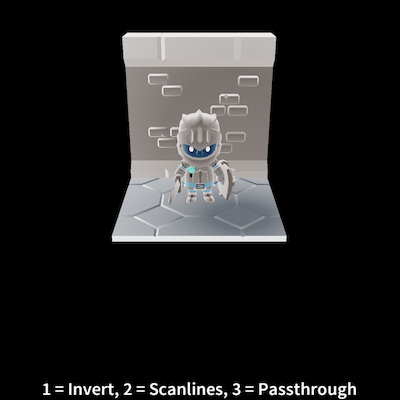
This example shows how to apply a post-processing effect by drawing to a render target and then to a fullscreen quad using a post processing shader.
This example shows how to convert from screen to world coordinates while using a camera.
This example shows how to create an atlas with two images and use it on a sprite and in a gui
This example shows how to replace an image in an atlas
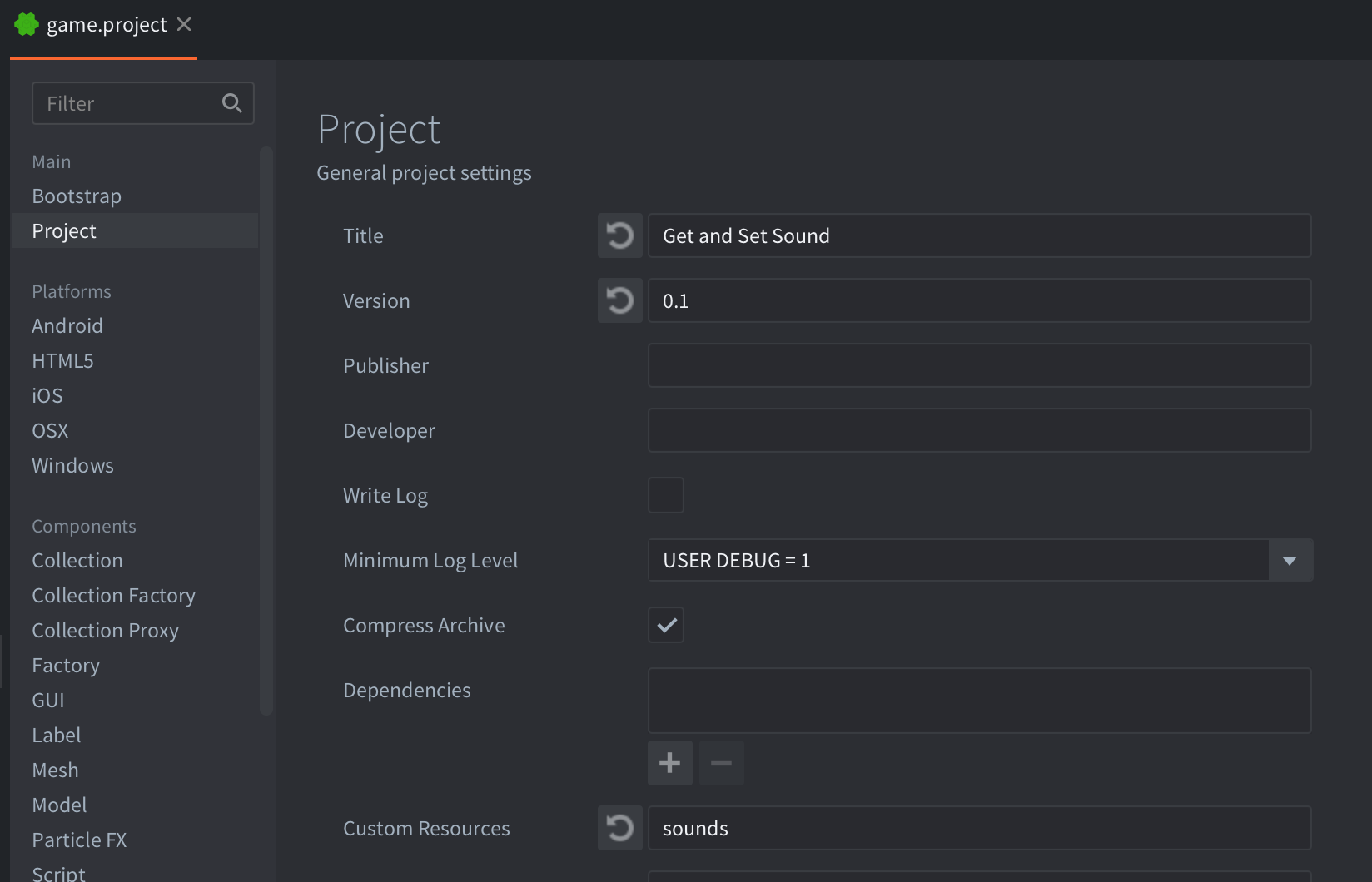
This example shows how to change which sound a sound component plays
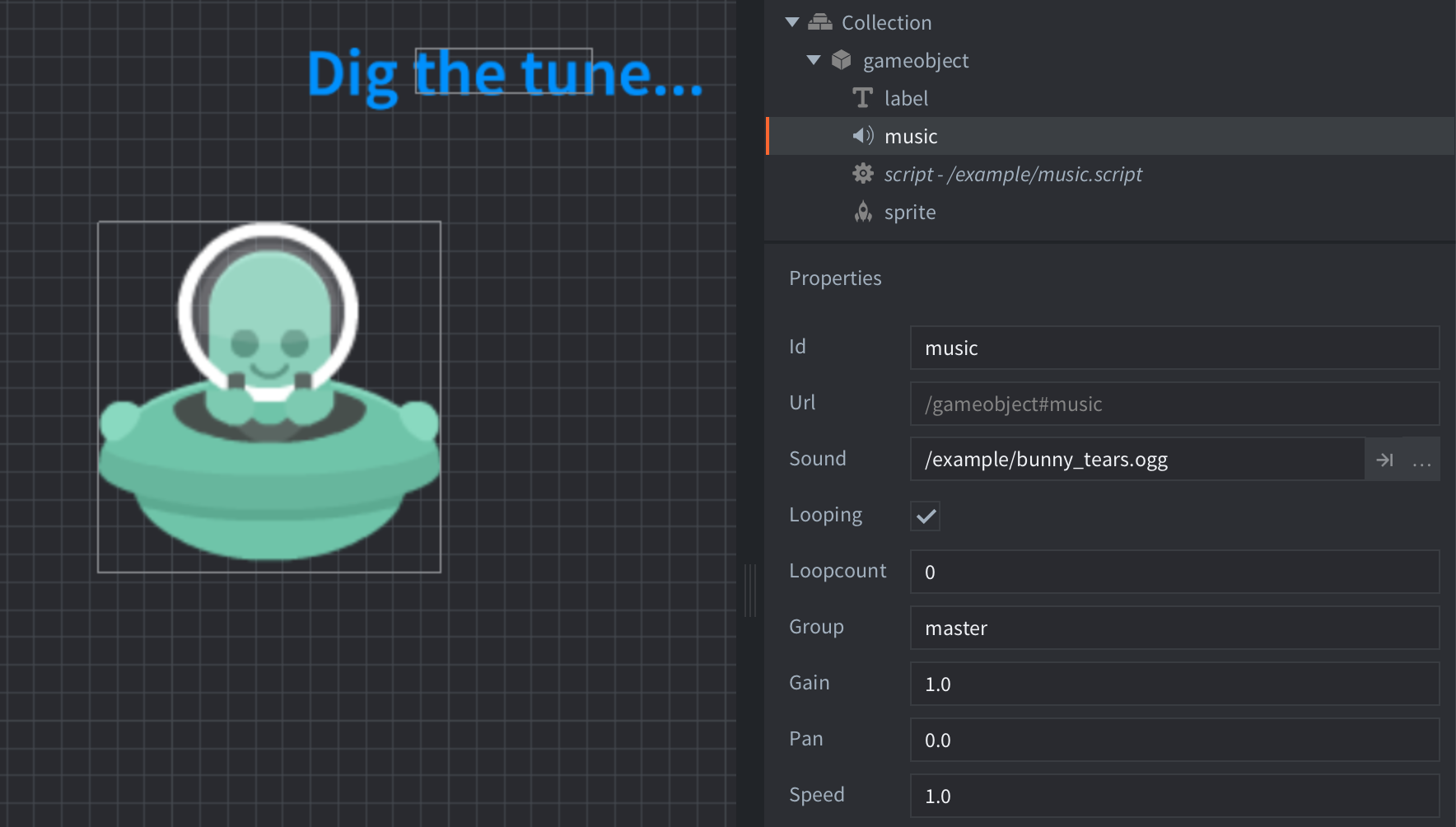
This example shows how to play a piece of music, stored as an .OGG file, with a sound component. The sound component is set to "looping" causing the music to never, ever stop.
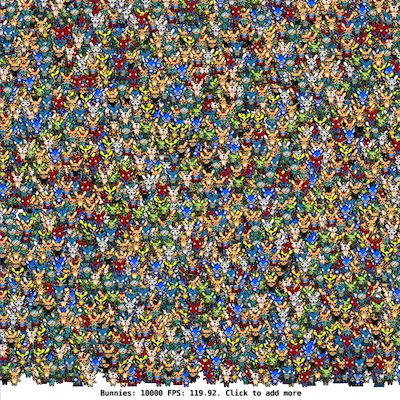
This is a performance test for sprites
This example shows how to change the image of a sprite
This example shows how to use the sprite animation cursor and frame count to manually select a specific frame
This example shows how to sample from more than one image when drawing a sprite
This example shows how to get the size of a sprite at run-time
This example shows how scroll the texture in the runtime using Texture Transform 2D Vertex Attribute, without using the sprite in the world space.
This example shows how tint a sprite at run-time
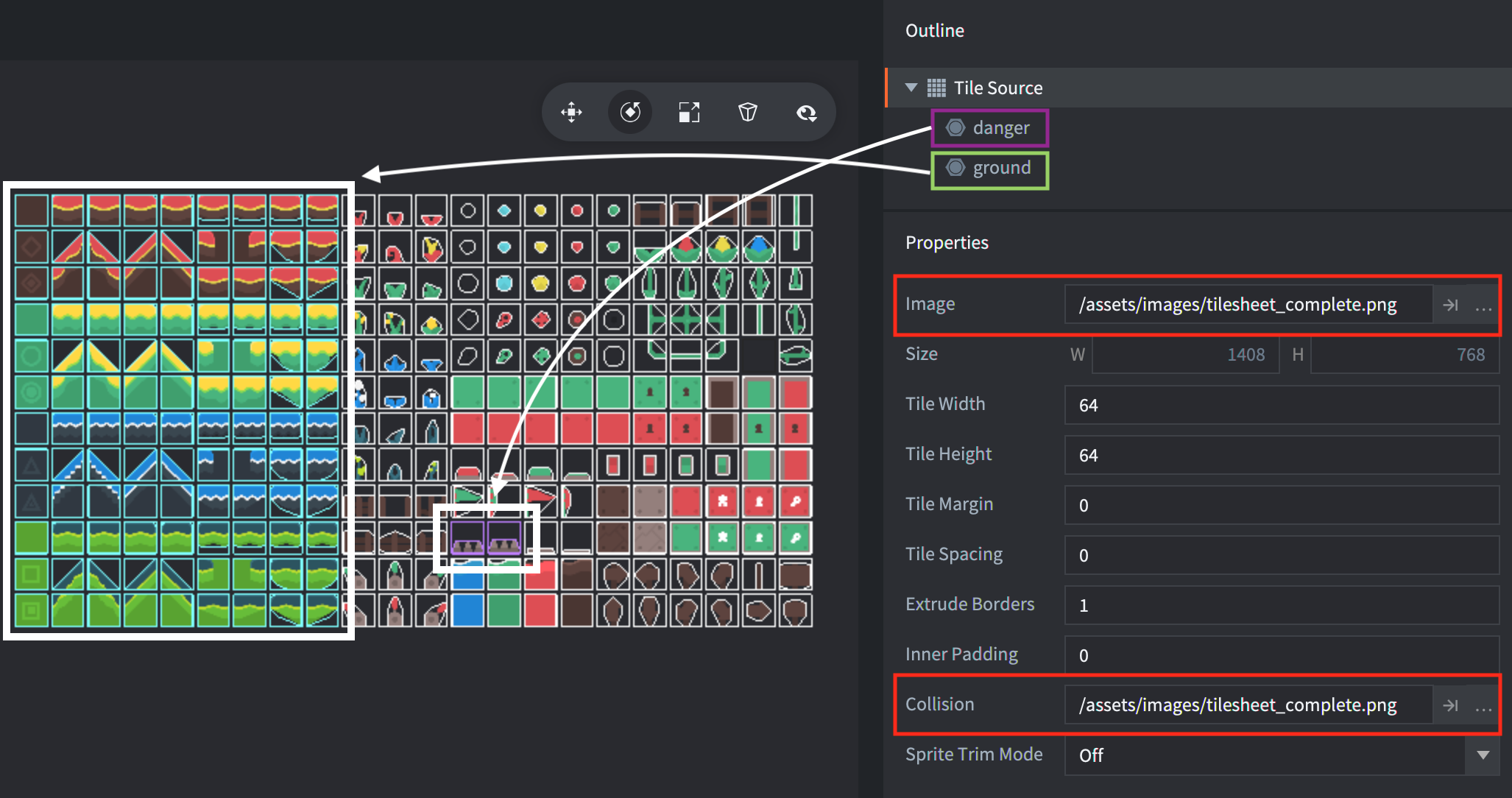
This example shows how to detect collisions on tilemaps
This example shows how to get and set tiles of a tilemap